All language models have a "context window", which is the maximum amount of text that the model can handle at one time. The context window length varies by model.
When you have a conversation with Kiro, it remembers and sends all previous messages in that conversation as context to the model, so the model can take those into account when generating its latest response. As your conversation gets long, it will start to bump up against the model's context window limit. When this happens, Kiro will automatically summarize all the messages in the conversation to bring the context length back below the limit.
You can use the context usage meter in the chat panel to stay informed on what percentage of the model's context limit is being used. When usage reaches 80% of the model's limit, Kiro will automatically summarize the conversation.
Loading image...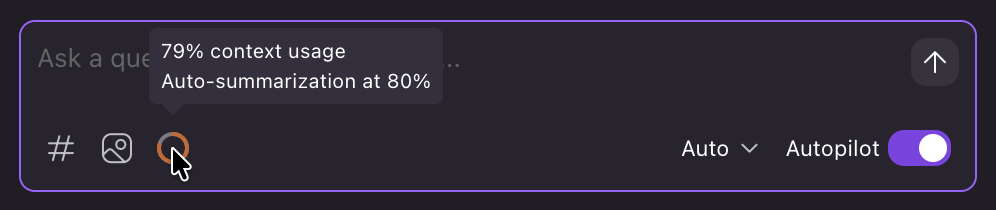
Summarization