Run Kiro CLI programmatically: introducing headless mode
Brian Beach
Tech Lead
If you've used Kiro CLI, you know the drill — you run kiro-cli login, and it pops open a browser so you can authenticate. That works great when you're sitting at your laptop. But what about the places where there's no browser? CI/CD pipelines, cron jobs, container builds, automated workflows.
That's what headless mode solves. You generate an API key, set it as an environment variable, and Kiro CLI runs without ever needing a browser. Same tools, same agents, same capabilities.
In this post, I'll walk through how headless mode works and then build a concrete example: an automated code reviewer that runs on every push via GitHub Actions.
Sign in and generate an API key from your account settings.
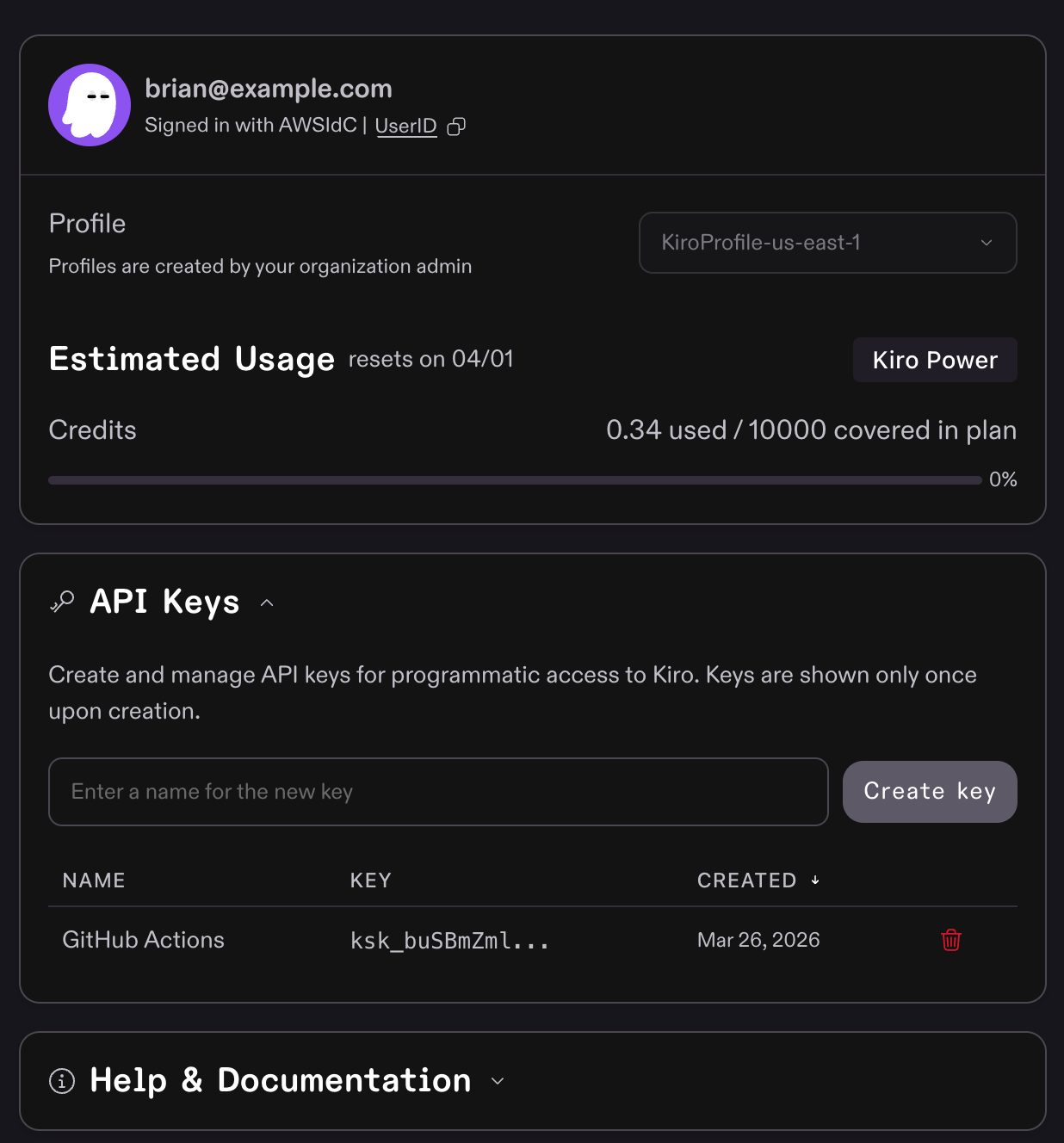
When the KIRO_API_KEY environment variable is set, Kiro CLI skips the browser-based login flow entirely. That's it — that single environment variable is the difference between interactive and headless mode.
Let's put headless mode to work. We'll create a custom Kiro agent that reviews code for security issues, bugs, and best practices, then wire it into a GitHub Actions workflow so it runs on every push.
Kiro lets you define a custom agent. An agent is a persona with a specific job, a set of tools, and instructions on how to behave. Drop this into .kiro/agents/code-reviewer.json in your repository:
A few things worth calling out:
- The
promptfield is where the magic happens. We're telling the agent to act like a senior reviewer and categorize findings by severity. Tune this to match your team's standards. toolslists everything the agent can use.allowedToolsis the subset it can use without asking for confirmation. Since this runs unattended in CI, we want the read-only tools pre-approved.
First, store your API key as a GitHub secret: go to your repository's Settings → Secrets and variables → Actions, and add a new repository secret called KIRO_API_KEY.
Then add this workflow at .github/workflows/kiro-code-review.yml:
Three steps: checkout, install, review.
curl -fsSL https://cli.kiro.dev/install | bashinstalls the CLI the same way you would on any Linux or macOS machine.--no-interactivetells Kiro to print its response to stdout and exit, rather than starting an interactive chat session. This is what you want in CI — get the answer and move on.- The
KIRO_API_KEYenvironment variable is picked up automatically — no config files needed.
Note: I have enabled branch protection on main. If someone can push directly to main, they could modify the agent config or the workflow itself.
Every push to your repo now triggers a full code review.
To show what this looks like in practice, I pointed the agent a sample Flask application with a few issues. The agent explored the repo structure, read through the source files and templates, and came back with a categorized report.
It found 4 critical issues, 6 warnings, and 5 suggestions — covering everything from a hardcoded SECRET_KEY and an XSS vulnerability via Jinja2's |safe filter, to a typo in the HTML. Here's a taste of the output:
This code review workflow is just one example. Headless mode opens up Kiro CLI to any automated workflow you can think of:
- Documentation generation — Run an agent that scans your codebase and generates or updates docs on every merge to main.
- Dependency audits — Have an agent review your dependency files and flag outdated or vulnerable packages.
- Migration assistance — Point an agent at a codebase and ask it to identify patterns that need updating for a framework migration.
- PR summaries — Generate human-readable summaries of what changed in a pull request.
The pattern is always the same: an API key, a custom agent definition, and a one-liner in your CI config.
Headless mode brings Kiro CLI into the places where developers can't be — pipelines, scheduled jobs, automated workflows — with nothing more than an environment variable. Define an agent, drop it into your CI config, and let it do the work that used to wait for a human. Whether it's code reviews, doc generation, or dependency audits, the setup is the same: an API key and a one-liner. Read the headless mode docs to get started.