Build, delegate, and steer right from your browser
Explore ideas, fix bugs, and shape changes. Hand off work end to end, or structure what you want before code ships. Coordinate changes across repos in a single session. Run recurring tasks on a schedule.
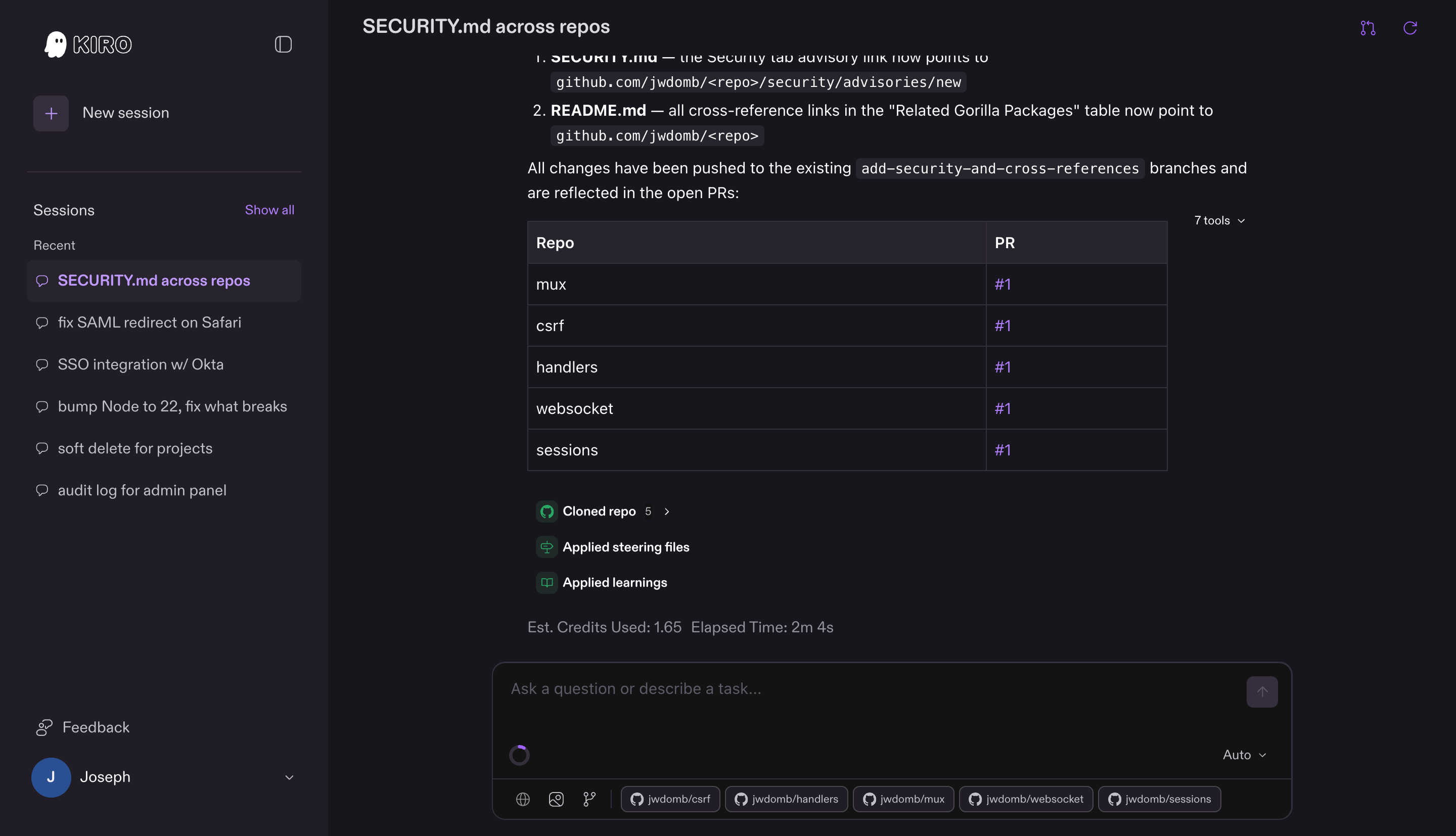
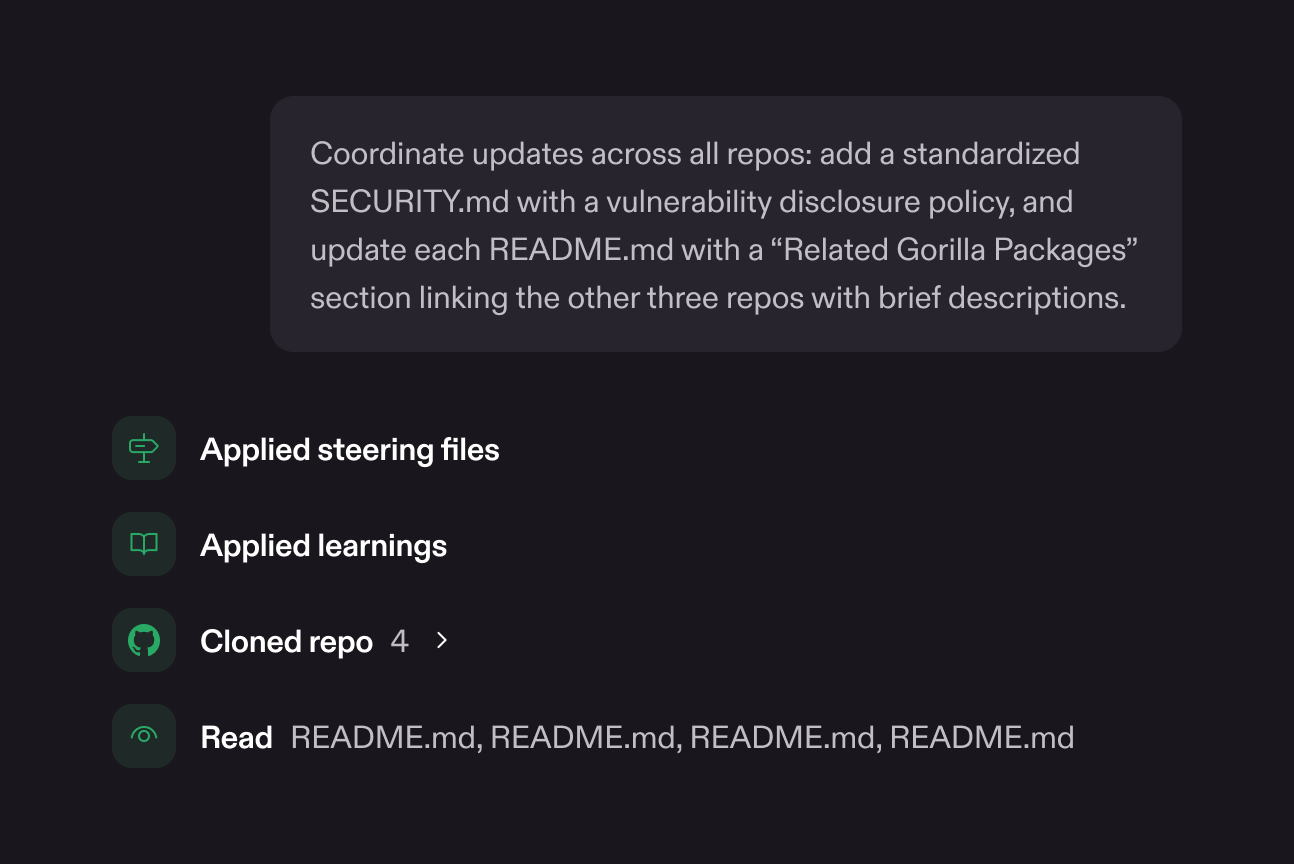
Assign a goal, review the result
Describe what you need. Kiro builds a plan, spins up a sandboxed environment, and works through it end to end, delivering a pull request you can review. No intermediate approvals, no step-by-step confirmation. You define the outcome, Kiro decides how to get there.
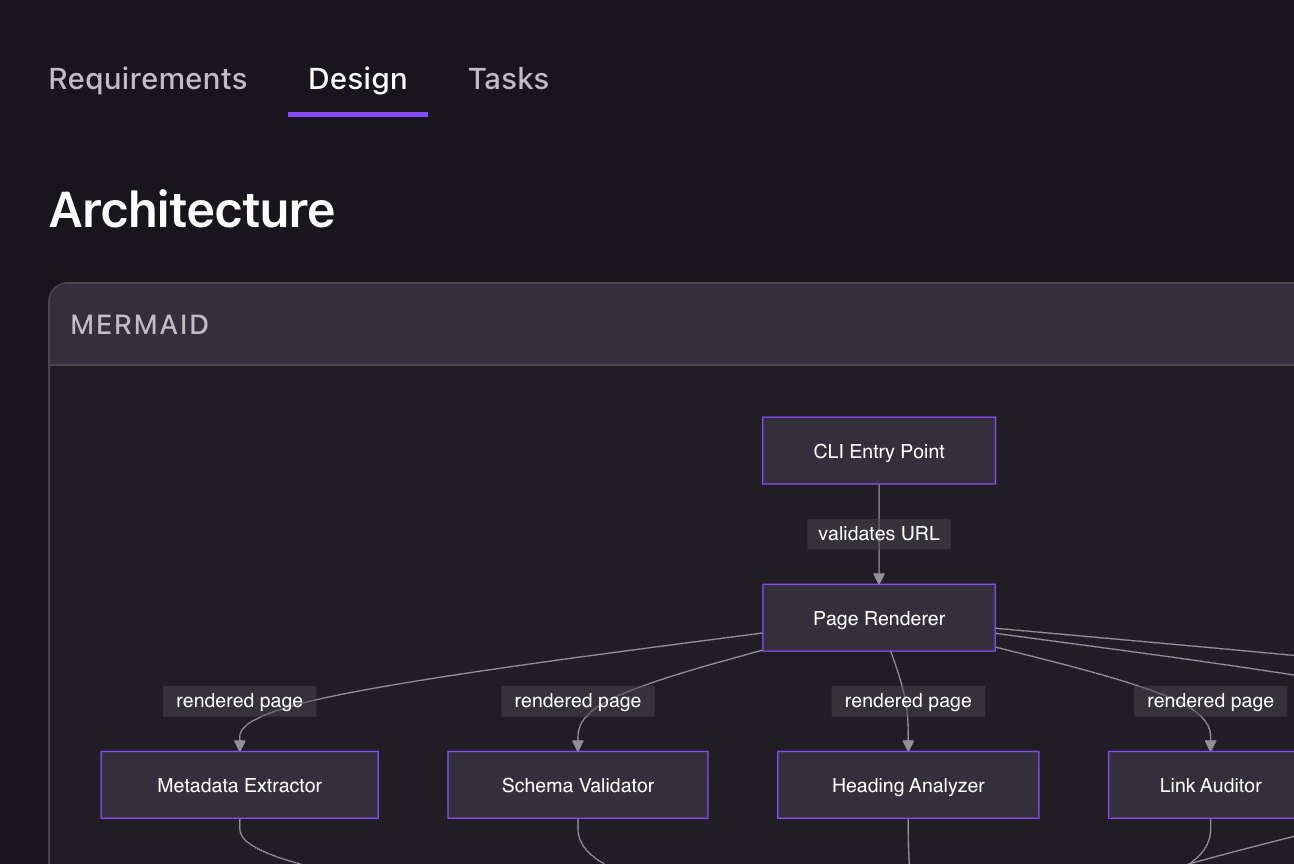
From intent to verified code
Turn on spec mode and shape the work before execution starts. Kiro expands it into structured requirements with acceptance criteria, catches ambiguities and conflicts, generates a technical design and implementation plan. Intent stays traceable from requirements through to the pull request.
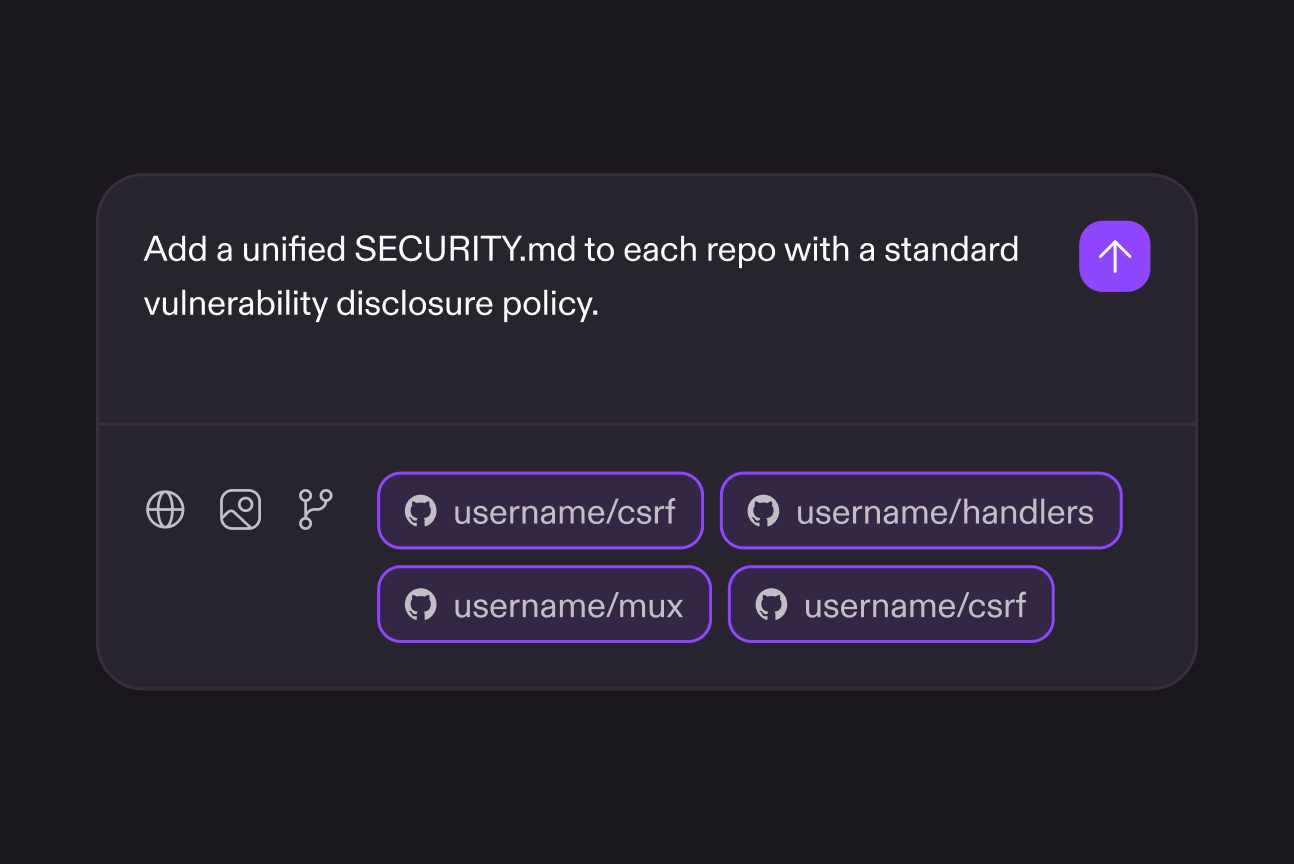
From issue to pull request, sharper every session
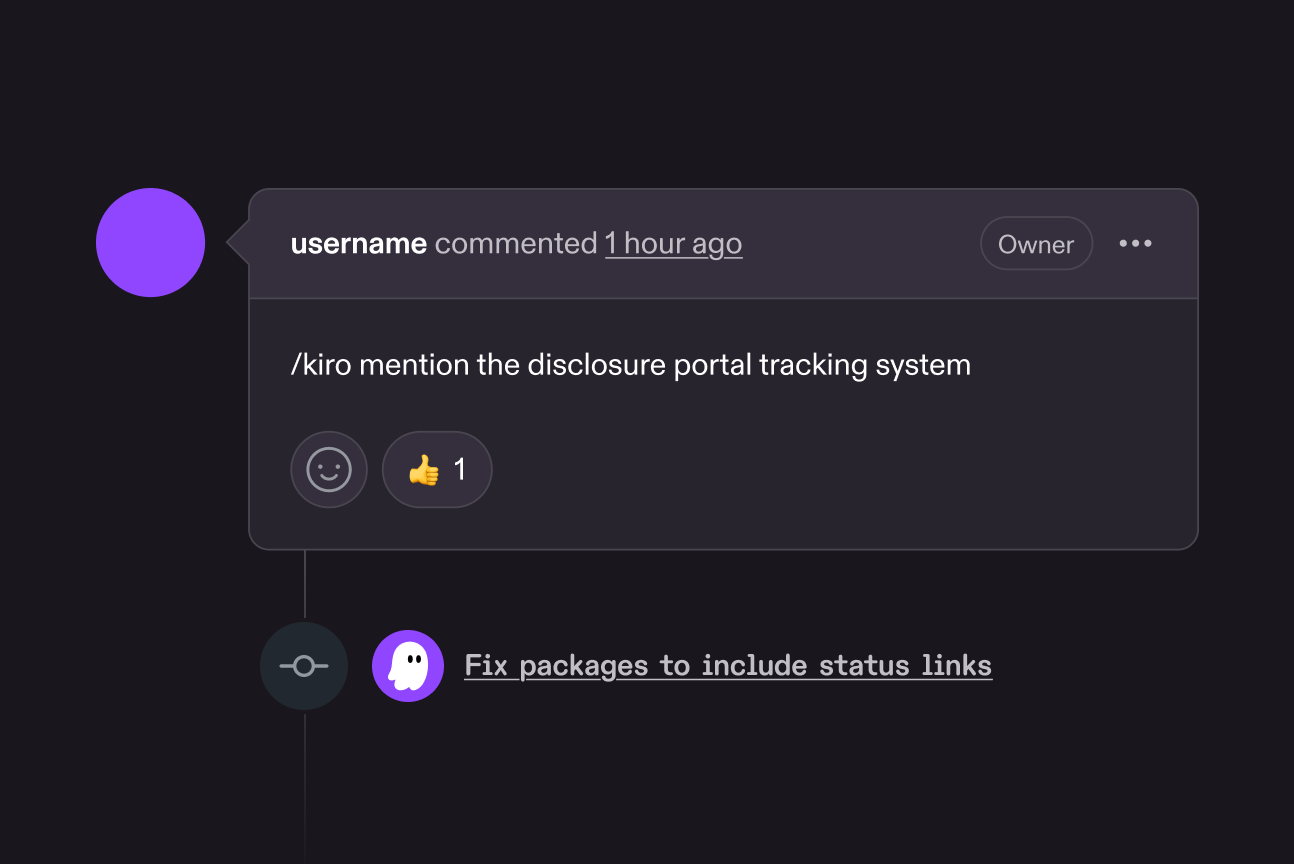
Assign work from issues, review PRs with comments, and Kiro addresses them. Steering files, hooks, custom agents, and skills load your coding conventions, architecture patterns, and preferences automatically and stay active throughout your session. Feedback and instructions carry forward.
Recurring work, on your schedule
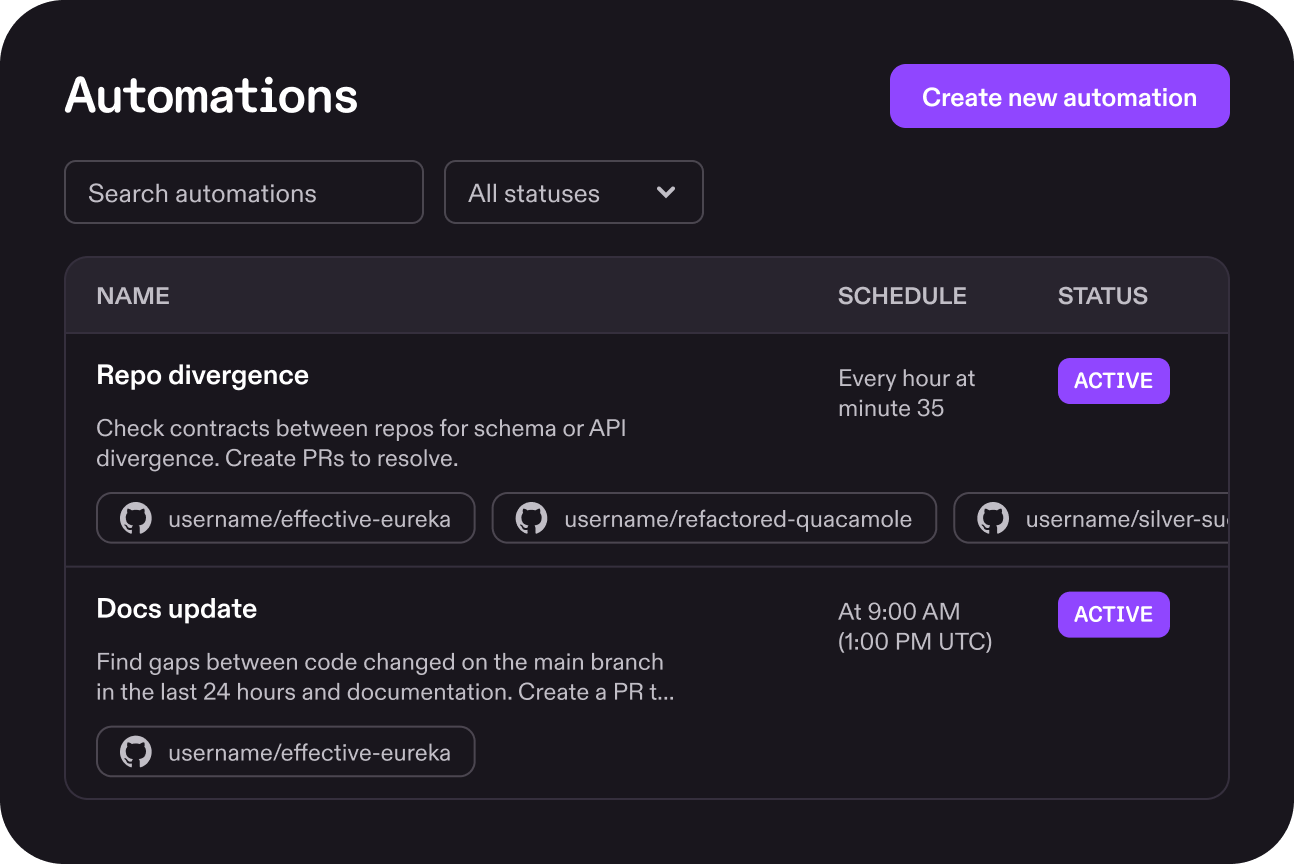
Create an automation, select repos and set a schedule. Kiro runs it on that cadence in its own sandbox and opens pull requests with the results. No manual session start. Review when you're ready, the next run is already queued.
Secure by default
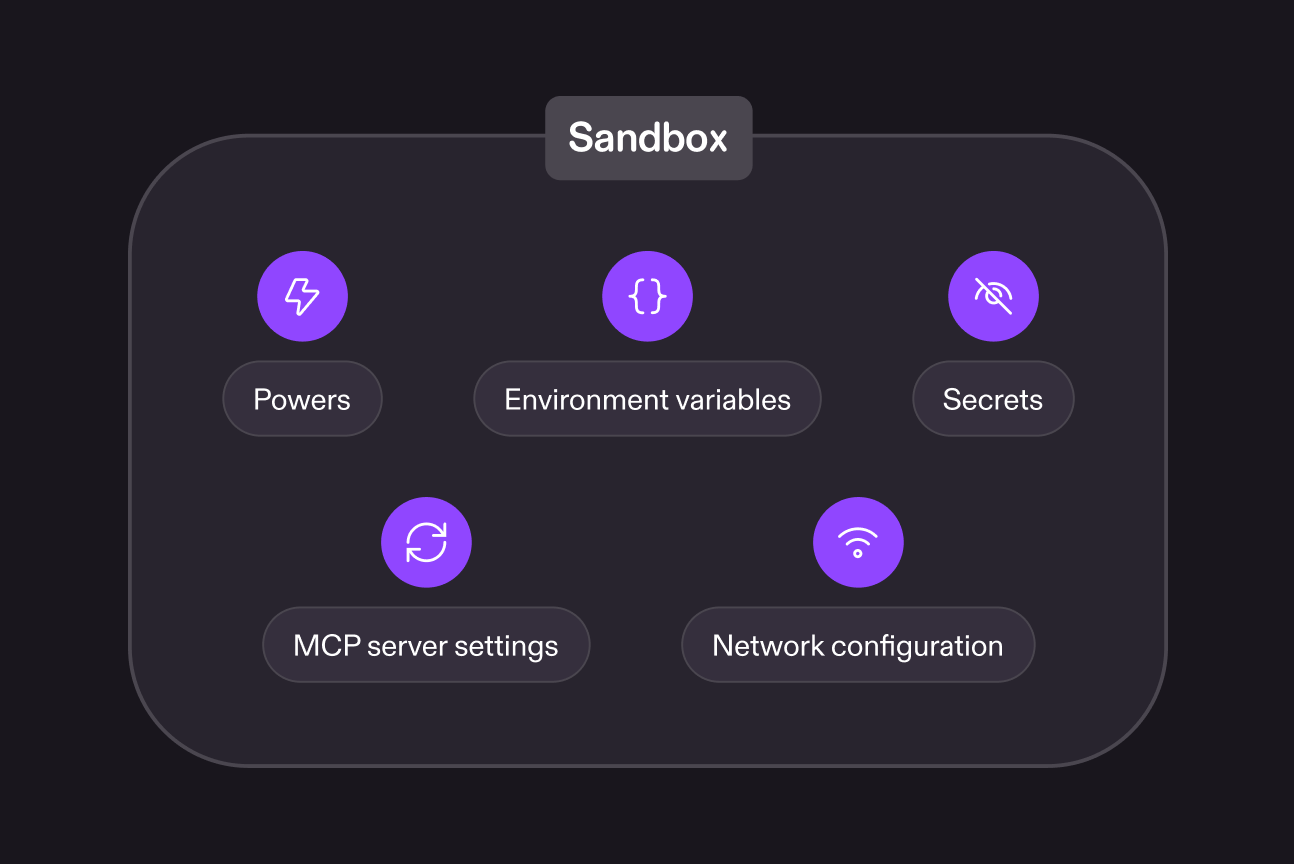
Every session runs in its own isolated sandbox. Kiro clones your repos and configures the environment from your Dockerfile or detected project settings. Your settings control what the agent can reach: network access, environment variables, secrets, and MCP servers.
Common questions
Bring your next idea, bug, or change to Kiro on the web
Available for Kiro Pro, Pro+, Pro Max, and Power users.