The IDE for structured agentic development
Define what you want built with prompts, plans, or specs. Agents write the code, run tests, and verify correctness, while you review and decide. Kiro is an opinionated IDE experience compatible with VS Code extensions and settings.
Bring structure to AI coding
AI coding without structure produces code you can’t trust to match what you wanted. Kiro turns your prompts into structured requirements, architecture designs, and sequenced implementation tasks that agents execute in parallel. Kiro then uses deterministic tools such as property-based tests to verify that code is correct and matches your intent.
Compatible with VS Code
Kiro supports Open VSX plugins, themes, and VS Code settings in a streamlined AI-ready environment.
Built for working with agents
Control agent behavior through steering files, extend capabilities with hooks, and persist knowledge across sessions with memory. Built on familiar VS Code foundations, Kiro is not a plugin or a chat wrapper.
Adapts to the way you work
Jump straight into an agent session for quick fixes. Use quick spec to clarify your intent before you build. Or run a full spec-driven flow to surface architectural tradeoffs and define constraints before parallel agents build.
Automate tasks with event-driven agents
Delegate work to AI agents that trigger on events like file save. Agents run autonomously based on pre-defined prompts — generating documentation, writing unit tests, or optimizing code performance without breaking your flow.
Manage context with precision
Configure how the agent works per project or globally via steering files. Define coding standards, add context, constrain behavior, so agent output follows your team's patterns, naming conventions, and constraints to reduce review cycles.
Stay in the flow with agent focus mode
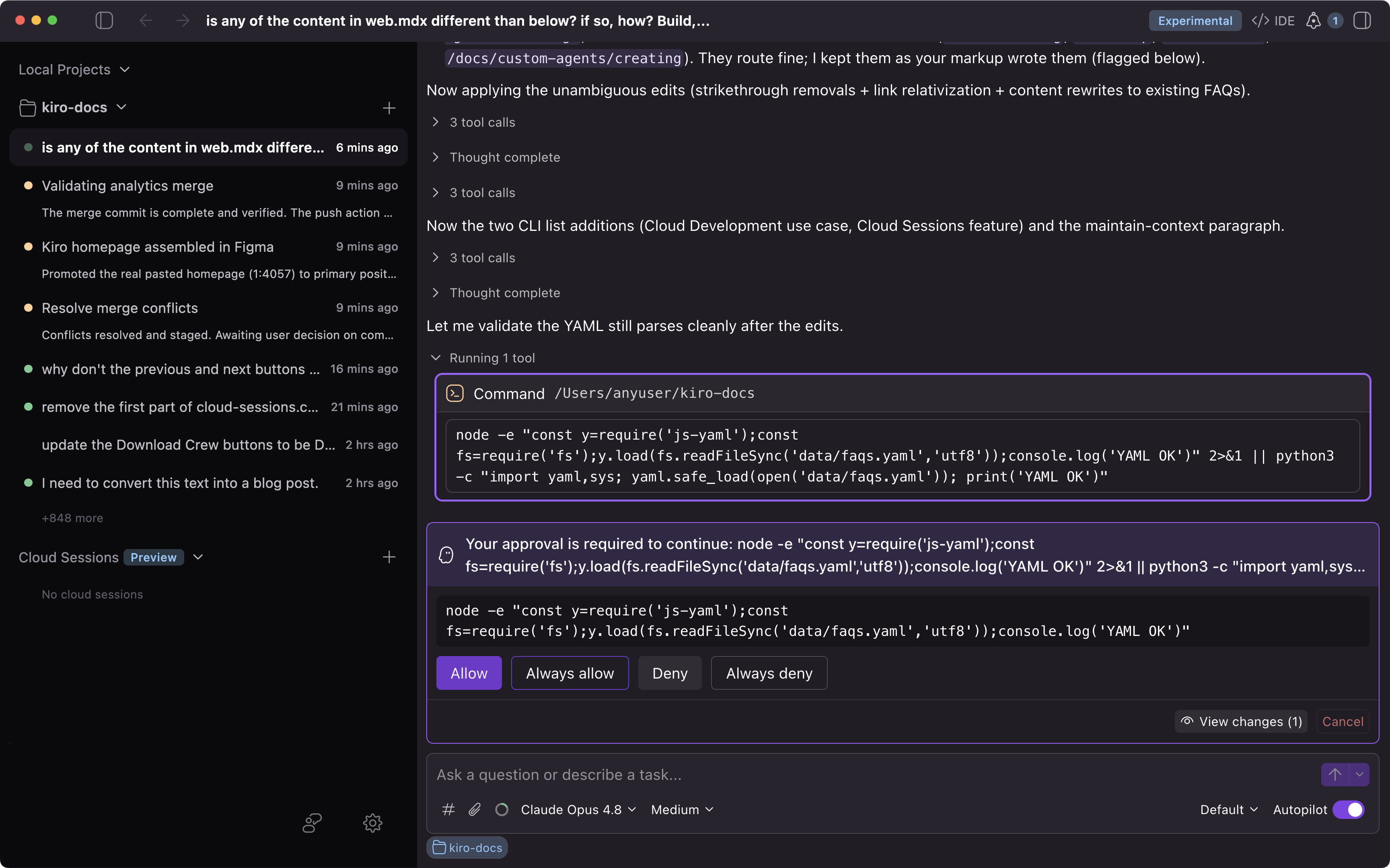
Manage multiple agents across repos from one command-center interface, running in local or cloud sandboxes. Hand off long-running work to a cloud session and check back when it’s done. Switch back to a full IDE interface when you need to edit code, review changes, or use debugging tools.
Go from vibe coding to viable code
Your code, your rules
Configure how you want Kiro agents to interact with each project, or globally, via steering files. Add context, coding standards, preferred workflows or tools with a simple command.
Powered by the state of the art
Choose between Claude Opus 4.8 for reliable advanced coding and reasoning, or Auto, which uses a mix of frontier models (like Sonnet and other specialized models) for intent detection and caching to balance quality, latency, and cost.
Kiro Powers brings expertise to your agents
Powers attach domain-specific context and tools to agents on demand so agents get expert knowledge without bloating every request with repetitive context.
Strap in with autopilot mode
Let Kiro autonomously run large tasks on its own without needing step-by-step instructions. You stay in control, especially when running scripts or commands.
Per prompt credit usage
See how many credits each prompt consumes, in real-time, so you're always in control of your spend.
Show, don't tell
Drop an image of your UI design or a photo of your architecture whiteboarding session, and Kiro can use it to guide its implementation.
Generate Git commit messages
Draft commit messages using the agent directly from the source control pane with a single click.
Intelligent error diagnostics
Kiro can read and interpret syntax, type, and semantic errors, making it easier to iterate and fix bugs.
Witness the magic with code diffs
See code changes as they happen. Approve everything, step through each change, or make edits with one click.
Common questions
Build something real in minutes
Get started for free