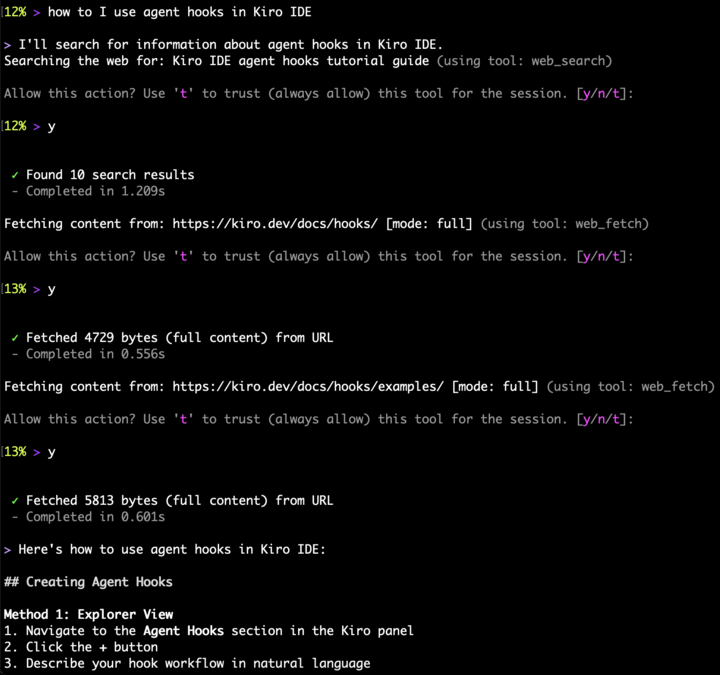
This release streamlines how you create and manage agents. Describe what you need and Kiro CLI generates your agent config, use the new session settings tool to tweak preferences mid-conversation without editing config files, and control exactly which shell commands you trust with granular scoped permissions.
Simplified Agent Creation
The /agent create command now defaults to AI-assisted mode, merging the previous /agent generate workflow into a single command. Describe what you want your agent to do and Kiro generates the agent configuration for you. Pass --manual to use the previous editor-based creation flow. You can also specify creation arguments directly at invocation time to bypass the interactive menu entirely. Learn more ->
Granular Tool Trust
When Kiro asks to use a tool, you now get an interactive picker to choose how broadly to trust it. For shell commands, select from tiered scopes — trust the exact command, the command with any arguments, or the base command with wildcards. For read and write tools, scope trust to specific file paths, the containing directory, or the entire tool. The picker adapts to each action, skipping tiers that aren't meaningful, and handles chained shell commands automatically. Learn more ->
Session Settings Tool
You can now ask the agent to adjust settings temporarily within your current session — change model preferences, toggle features, or tweak behavior without modifying your config files. All session overrides apply in-memory and reset automatically when the session ends. Learn more ->