Kiro Mobile is now available on Google Play, so you can work in Kiro cloud sessions from your Android phone. Your laptop doesn't need to stay on. Sign in with your Kiro account, and your sessions, connected repositories, and model choices are already there. Kiro Mobile requires a Pro, Pro+, Pro Max, or Power plan.
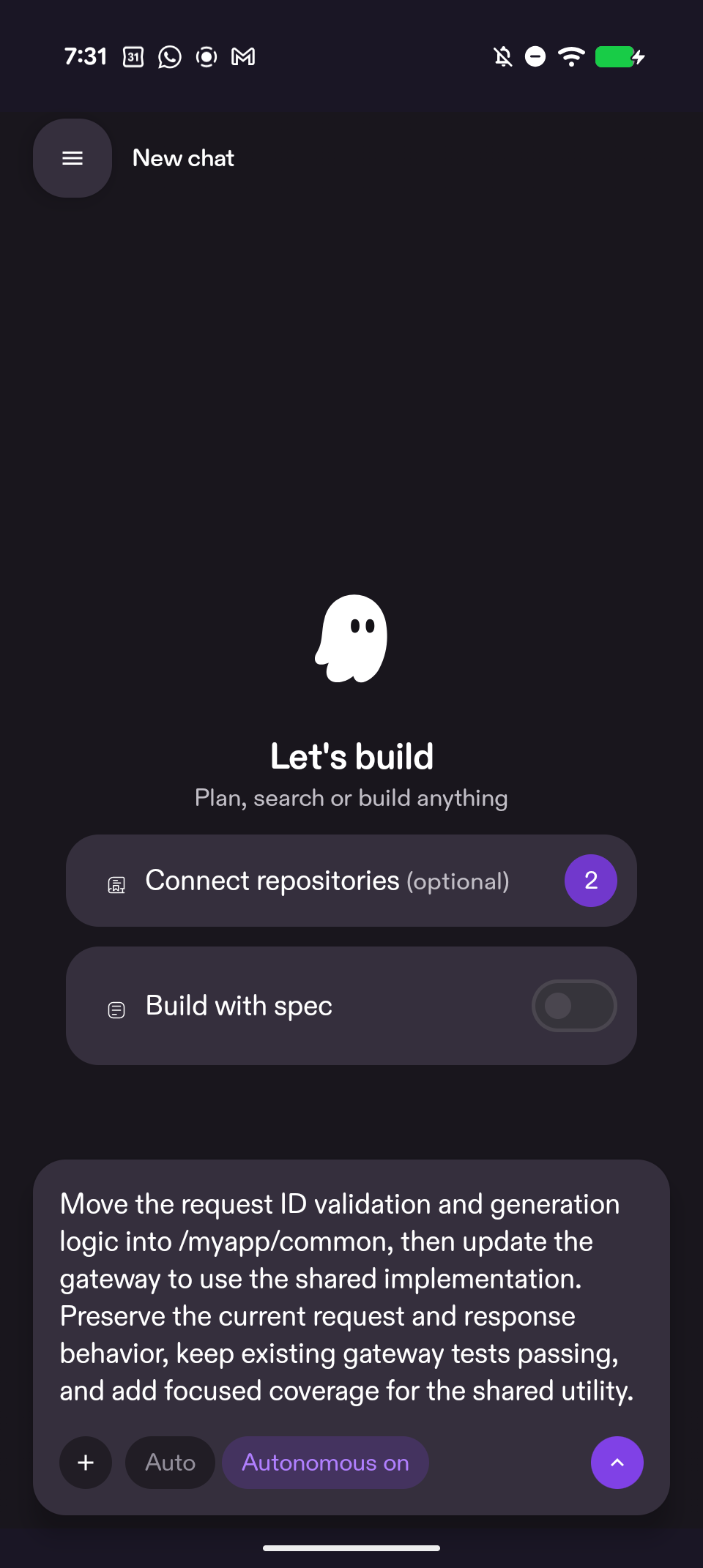
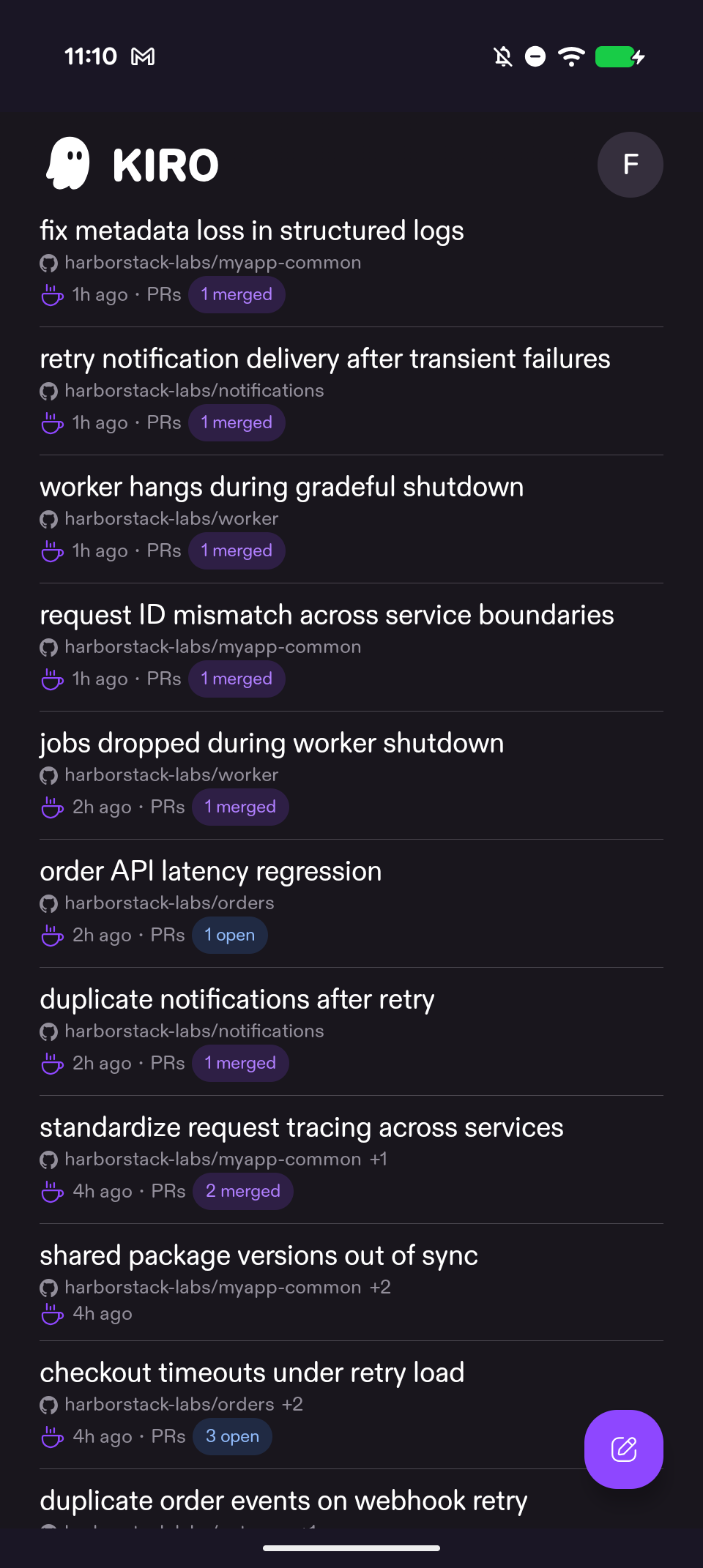
Start a cloud session, or pick up one you started in Kiro Web, the IDE, or the CLI. Choose your repositories and a model, and turn on Build with spec to plan first. In Autonomous mode, the model selector shows Auto and cannot be changed. Follow replies and tool activity live, attach images, answer the agent's questions, or stop a run. Each edited file appears as a phone-sized diff card, and each session shows its pull request status. You review and merge in your Git provider. Learn more ->