Introducing Automations
You can now schedule recurring work in Kiro on the web. Create an automation, describe the task, select repositories from GitHub or GitLab, and set a schedule. Kiro runs it on that cadence in its own sandbox and opens a pull request when done.
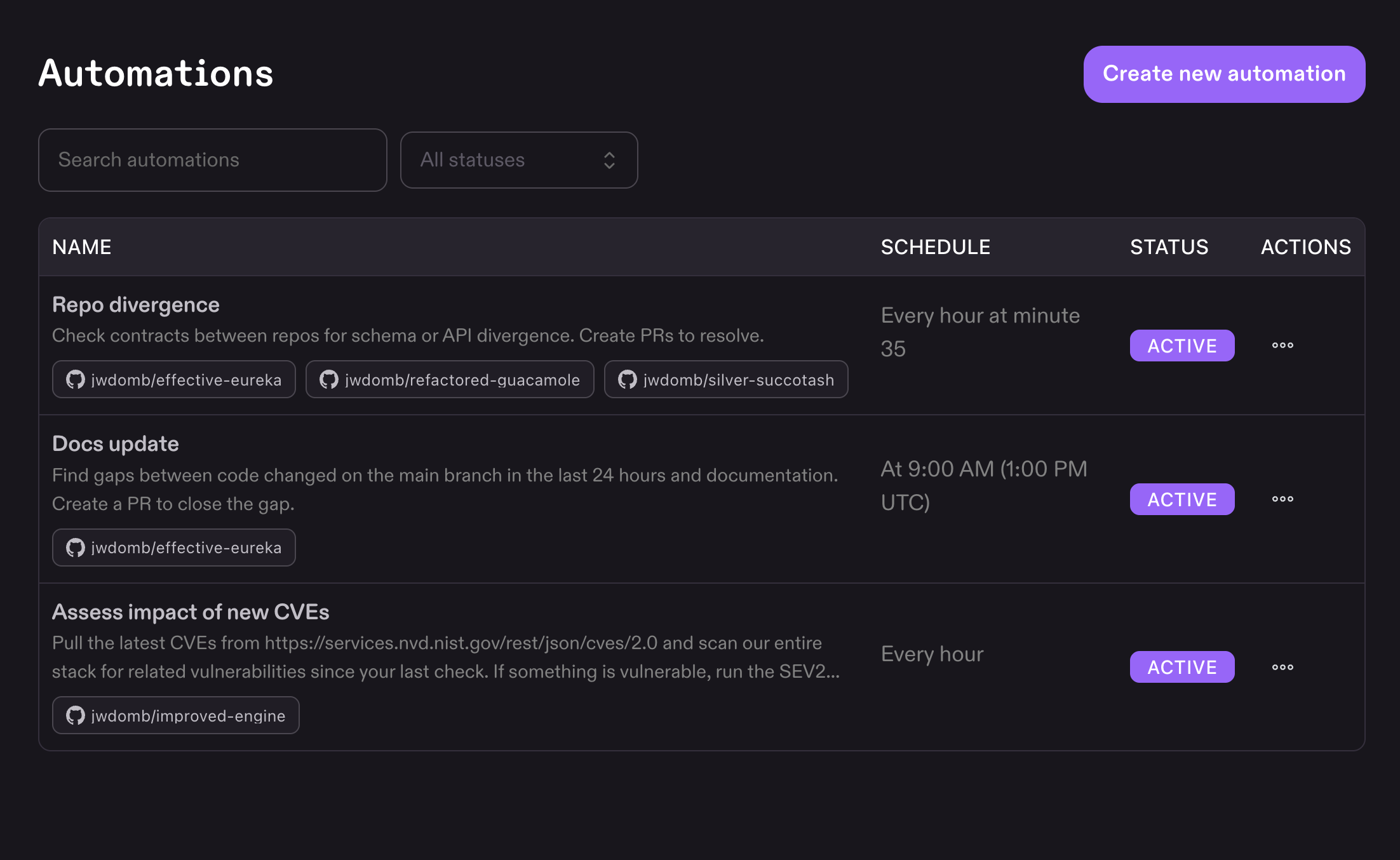
Go to Automations in Kiro on the web to set up scheduled tasks. Add up to five schedules per automation using built-in options (hourly, daily) or a cron expression. Each run spins up an independent sandbox, clones your repositories, executes the work autonomously, and opens a pull request with the changes. Edit, disable, or delete automations at any time. Changes apply to the next scheduled run. Learn more ->