Introducing Kiro for Android
Kyle Seaman
Product Lead
Alex Jia
Product Marketing
Kiro for Android is now available on Google Play.
You don’t have to be back at your laptop to move engineering work forward. An idea hits while you’re out, a session finishes a change while you’re commuting, or work already underway needs your input before it can continue. Android users can now start new work, pick up cloud work already in motion, and keep it moving from their phone.
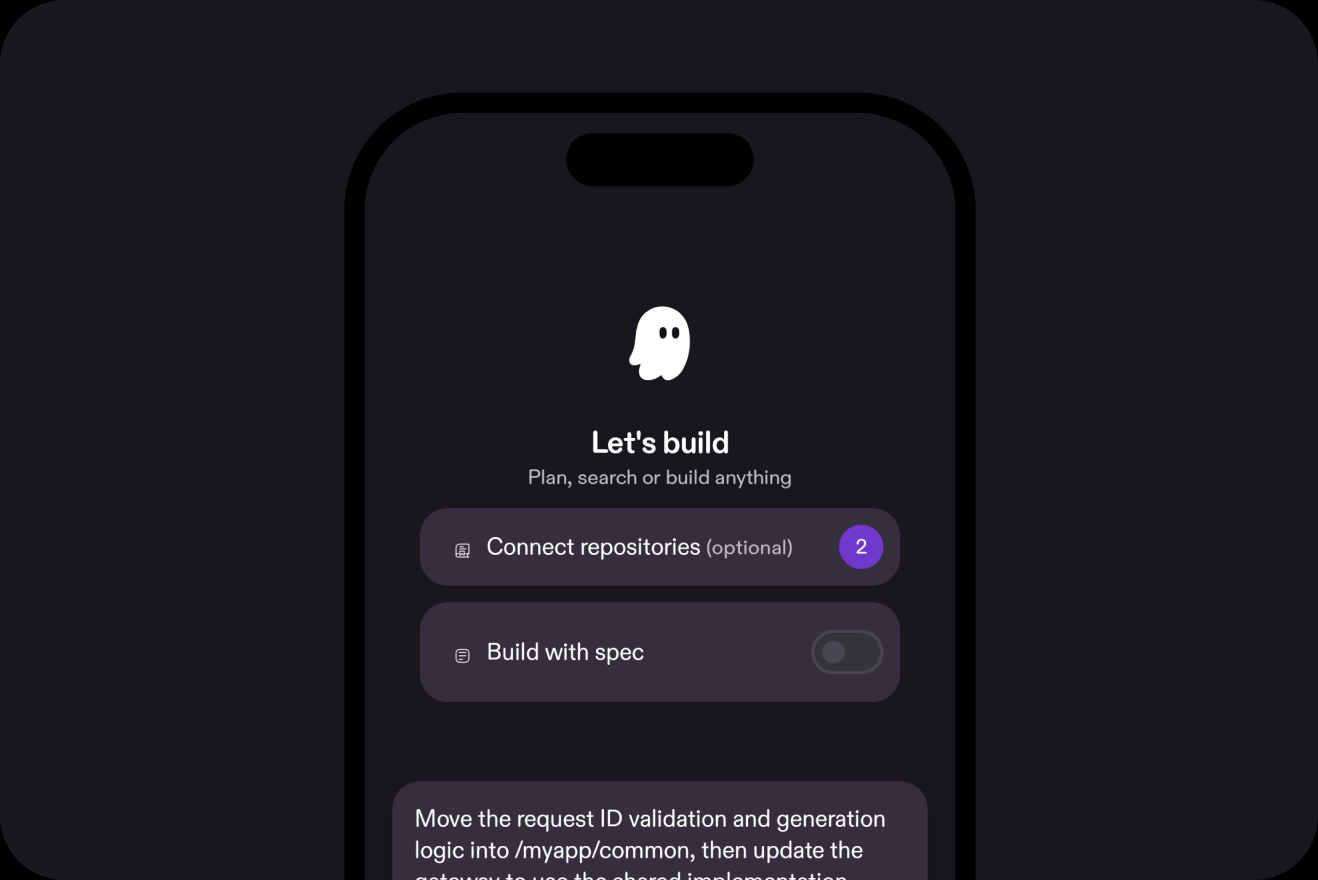
With cloud sessions, the same work is available across Kiro CLI, Web, IDE, and Android. Open a cloud session on Android with the conversation and session history already there, or start on Android and pick it back up somewhere else later. When you’ve synced your Kiro configuration, it’s available to those cloud sessions too.
The session keeps running in its cloud sandbox as you switch surfaces or put your phone away. On Android, you can see what’s still running, what’s finished, and where a session needs your attention.
Sometimes an idea is worth starting right away. You think of a feature on the go, spot a production bug, or realize there’s an investigation you can start before you’re back at your desk.
Start a new session from Android, connect the repositories you need, and tell Kiro what you want to build, fix, or investigate. Attach a screenshot when that’s the fastest way to show what you mean. Kiro can inspect the code, use tools, make changes, run tests, and continue working in the cloud while you move on with your day.
Some sessions need a decision before they can keep moving. Kiro might need you to choose between branches, clarify an implementation detail, or change direction after it finds something unexpected. Open the session on Android, answer the question or add context, and let Kiro continue from there. You don’t need to stay in front of your laptop just to keep the work unblocked.
When a change is ready, open the diff directly on your phone. File edits render as mobile-friendly cards, so you can review the implementation file by file without navigating a desktop layout on a small screen.
If something needs work, send Kiro back for another pass. When the change looks right, Kiro can open the pull request, and PR status stays visible with the session.
Kiro for Android is available on paid Kiro plans. Download Kiro for Android from Google Play and sign in with the same identity you use for Kiro CLI, Web, or IDE. Your cloud sessions, connected repos, model preferences, and synced configuration carry over automatically. For enterprise organizations using IAM Identity Center, cloud sessions must be enabled by an administrator before users can access Kiro for Android. Cloud sessions are currently available in us-east-1 (N. Virginia).
Kiro for iOS remains in preview. Request early access, and we’ll let you know when your spot is ready.
Start from your phone. Come back to a PR.
