Introducing Kiro for iOS
Kyle Seaman
Product Lead
Today, we’re launching Kiro as a native iOS app built for real engineering work that gives developers a new surface to kick off, monitor, steer, and interact with their Kiro sessions directly from their phone. That means you can now start sessions, check back when they're done, review diffs, and approve changes all while staying connected to your work with no laptop running.
As remote sessions become the default way to work with Kiro, your phone becomes the natural place to stay connected. Think of it as an extension to your web sessions. A quick check-in can keep a session moving, prevent unnecessary rework, and help your agent make progress with the right context. There will be three modes for you to select from: chat, spec, and autonomy. Whether you’re opening a quick chat session to ask a question, continuing a spec-driven workflow to keep requirements in sync, or kicking off an autonomous session to delegate a task entirely, you can now do it on the train or while you wait for your lunch order without ever needing to open your laptop a single time.
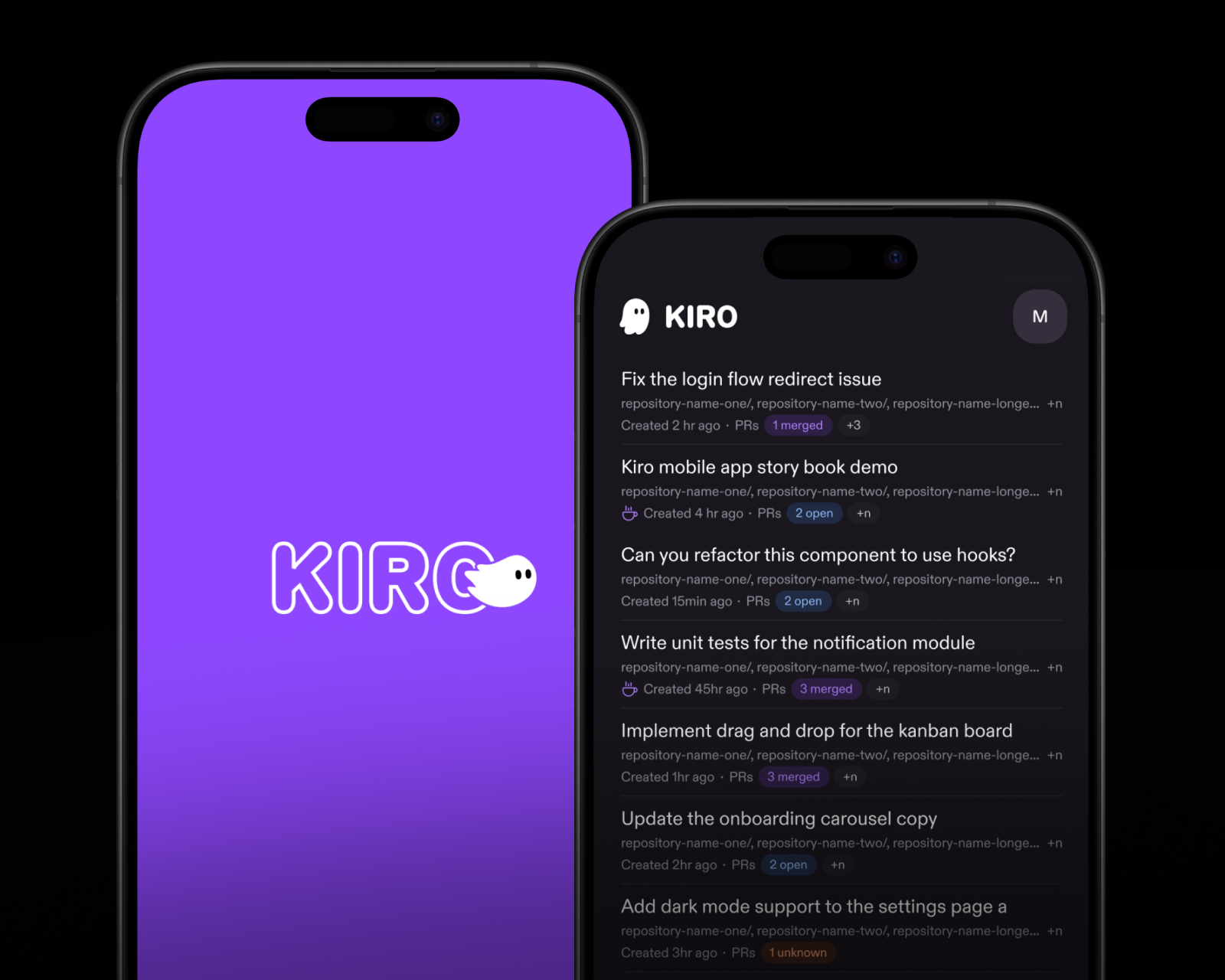
When you open the app, Kiro loads the live state from your cloud sessions so you can work across active threads, approvals, and project context. Agent responses stream in as they happen with tool activity inline, and autonomous mode shows execution status, planning through code review without intervention. Your agent runs independently in the cloud, is always on and always accessible without a desktop that needs to stay awake, a VPN to connect, or a machine left running overnight.
Diffs render as native/green cards with file headers, so code is legible and scannable on a small screen. PR and code review status shows at a glance on every session row. We built it native because we know a responsive web layout is not how you want to read code on a phone.
Kiro now lets you delegate, walk away, and come back to a PR. Continue a spec-driven workflow and let Kiro pick up where you left off. Or kick off an autonomous session from your phone or the web, and Kiro runs independently in the cloud sandbox, inspecting files, and running tests. When Kiro needs your input, it pauses. You respond from wherever you are, pick a direction, and the work continues from where it left off.
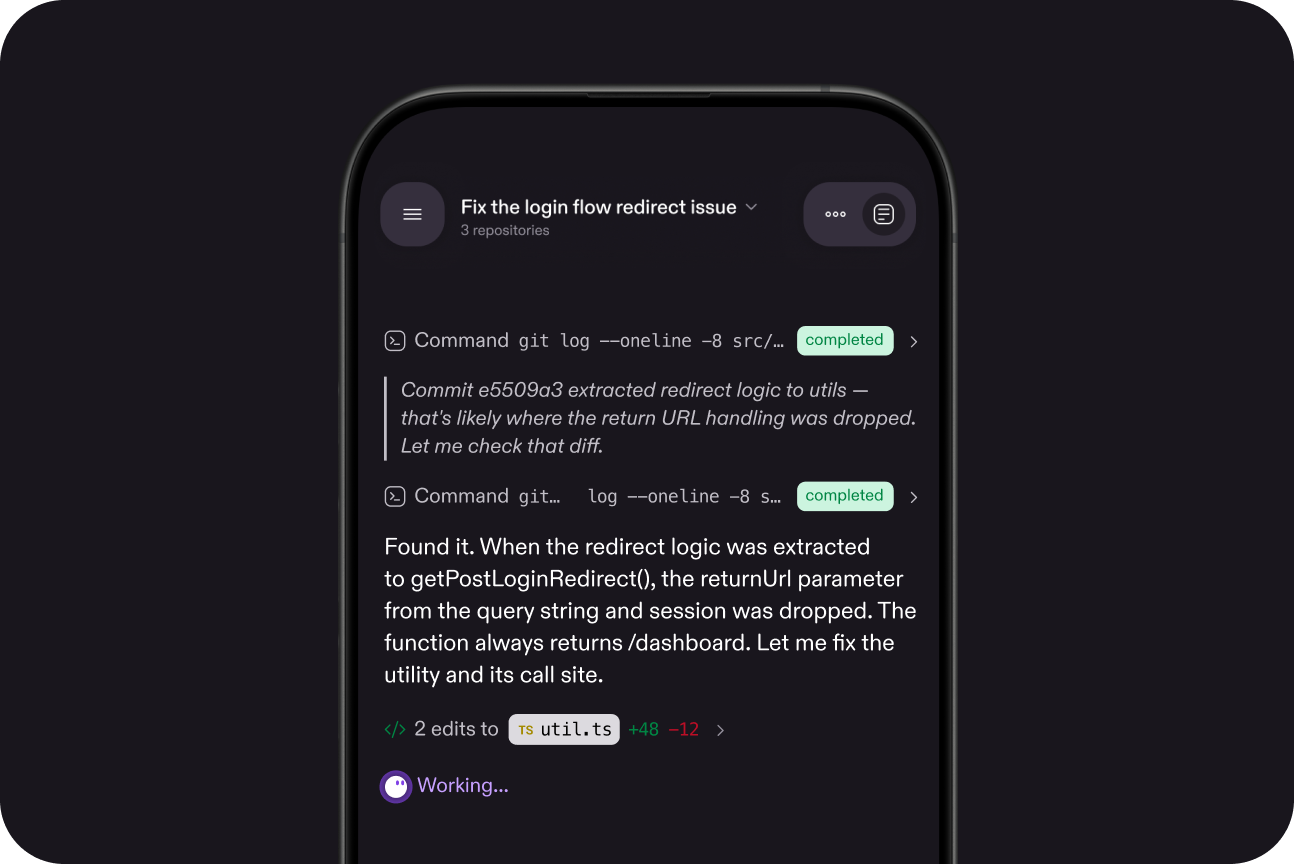
Sessions you start from Kiro web appear automatically with the same identity, same preferences, and same models. Sign in with Google, GitHub, IAM, or Builder ID and your repositories, credentials, and sandbox state stay while updates display to your phone in real time.
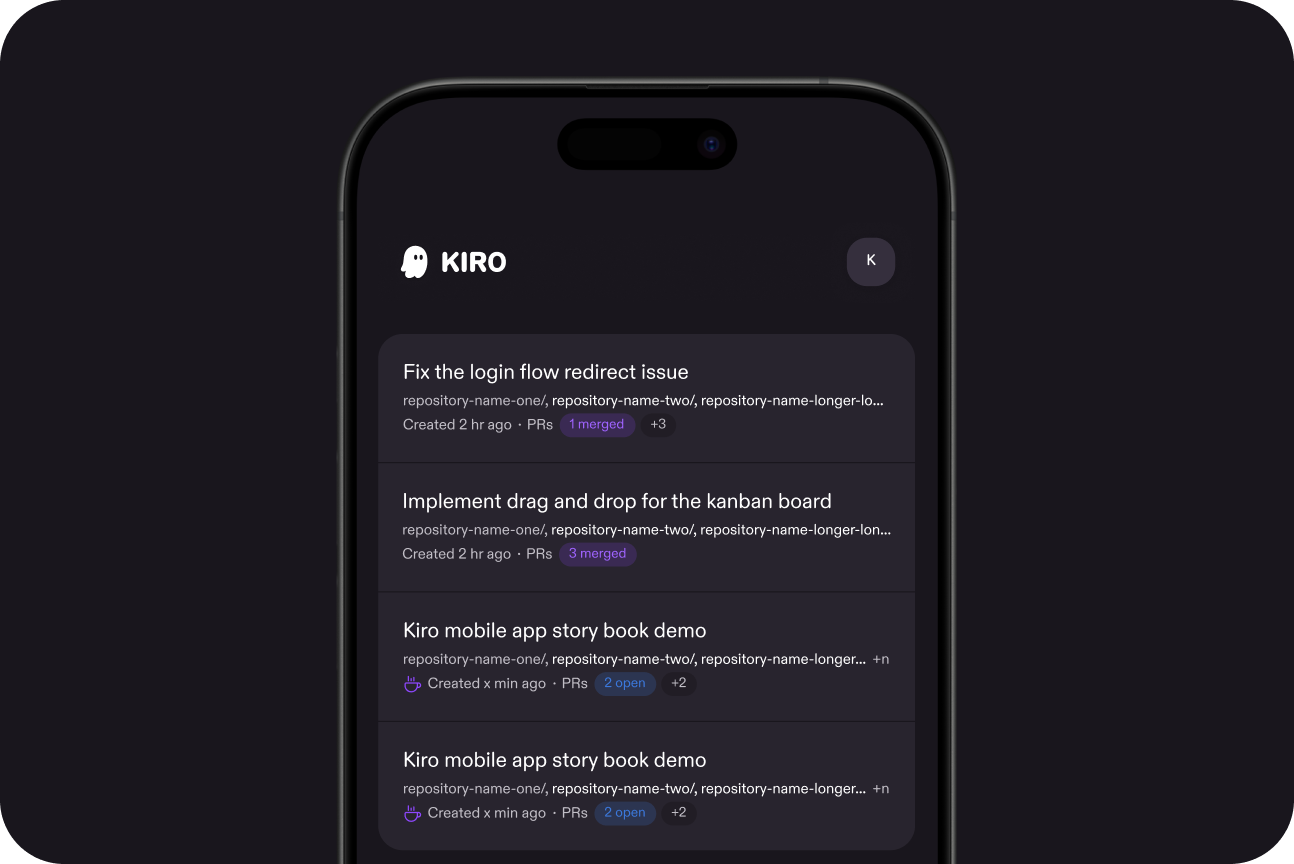
From a single view, you can manage multiple sessions running across different repositories, monitor pull requests, and choose from frontier and open weight modes on a per-session basis. Everything syncs from Kiro automatically, so nothing is lost between surfaces.
When you’re ready with a new idea on the fly, create a session directly by choosing Chat, Spec, or Autonomous mode, connecting repositories from GitHub, selecting a model, and sending a message. It’s one agent that follows you, not a separate app with a separate context window.
Kiro will be available on iOS for Kiro Pro, Pro+, Pro Max, and Power customers. Request early access, and we’ll let you know when your spot is ready. You can sign in with the same identity you use for Kiro CLI, Web, or IDE, and your sessions, model preferences, and connected repos sync automatically. Requires iOS 26+.