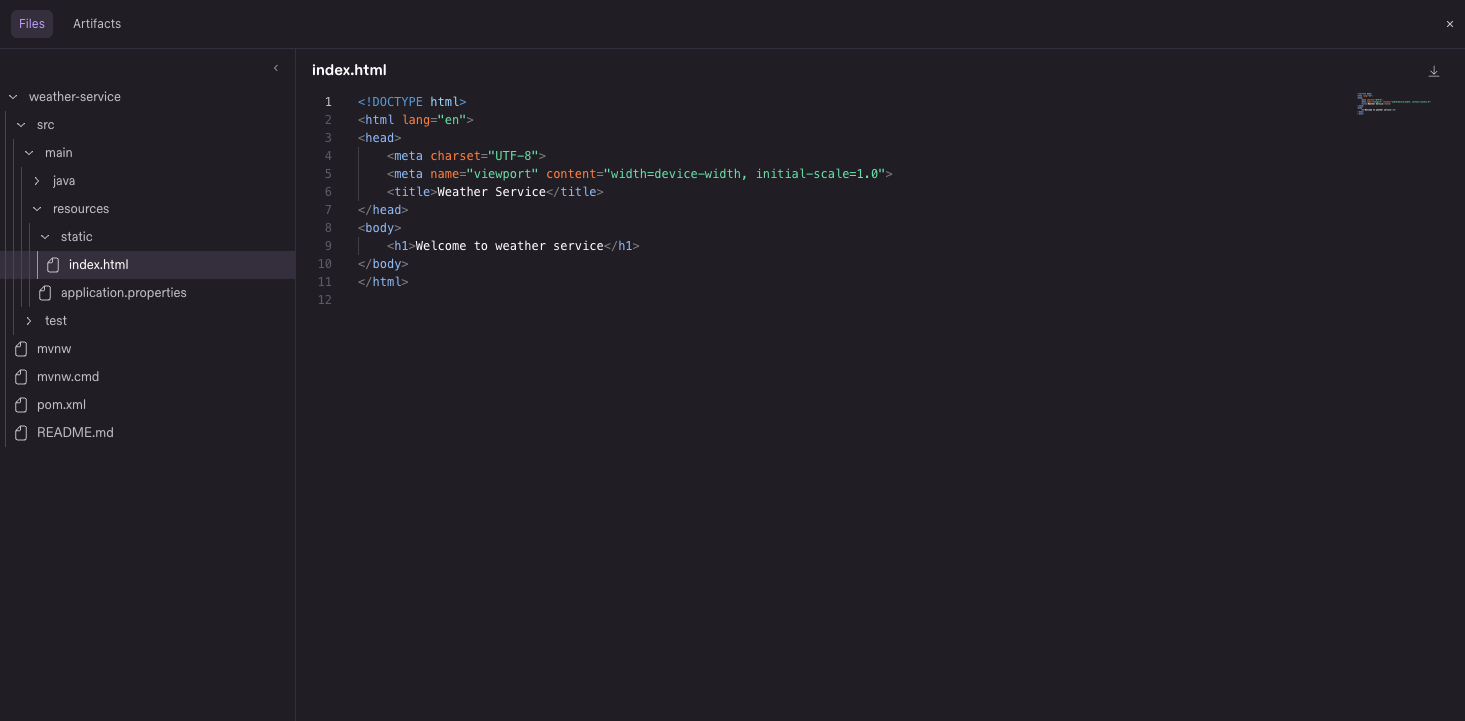
Workspace File Explorer for Cloud Sessions
Your agent just built something in its cloud sandbox. Now you can look around. Browse the session's workspace right in Kiro Web, open any file the agent creates or edits in a syntax-highlighted viewer, preview markdown and images, and download what you need. File paths in agent responses are links, so you can jump from "I updated the forecast page" to the actual file in one click. Learn more ->