One Task, Two Providers: Coordinating Changes Across GitLab and GitHub in one session
Brian Beach
Tech Lead
Kiro Web now works with GitLab, alongside the existing GitHub support. The more interesting part is what happens when your code lives across both GitLab and GitHub: you can add repositories from both to the same session, describe a single change, and let Kiro carry it across both, opening a merge request on one and a pull request on another. That matters when your code doesn’t live in one tidy place.
Plenty of teams are split across providers, and usually for good reasons. Your open-source SDK lives on GitHub where the community can find it, while the service it talks to stays private on GitLab. Or an acquisition left half the org on one provider and half on the other. Or frontend and backend teams just landed on different tools years ago. Whatever the reason, the cost shows up the moment a change spans both. One logical update becomes one pull request and one merge request in two contexts, with two chances to forget a step and let the two sides drift out of sync.
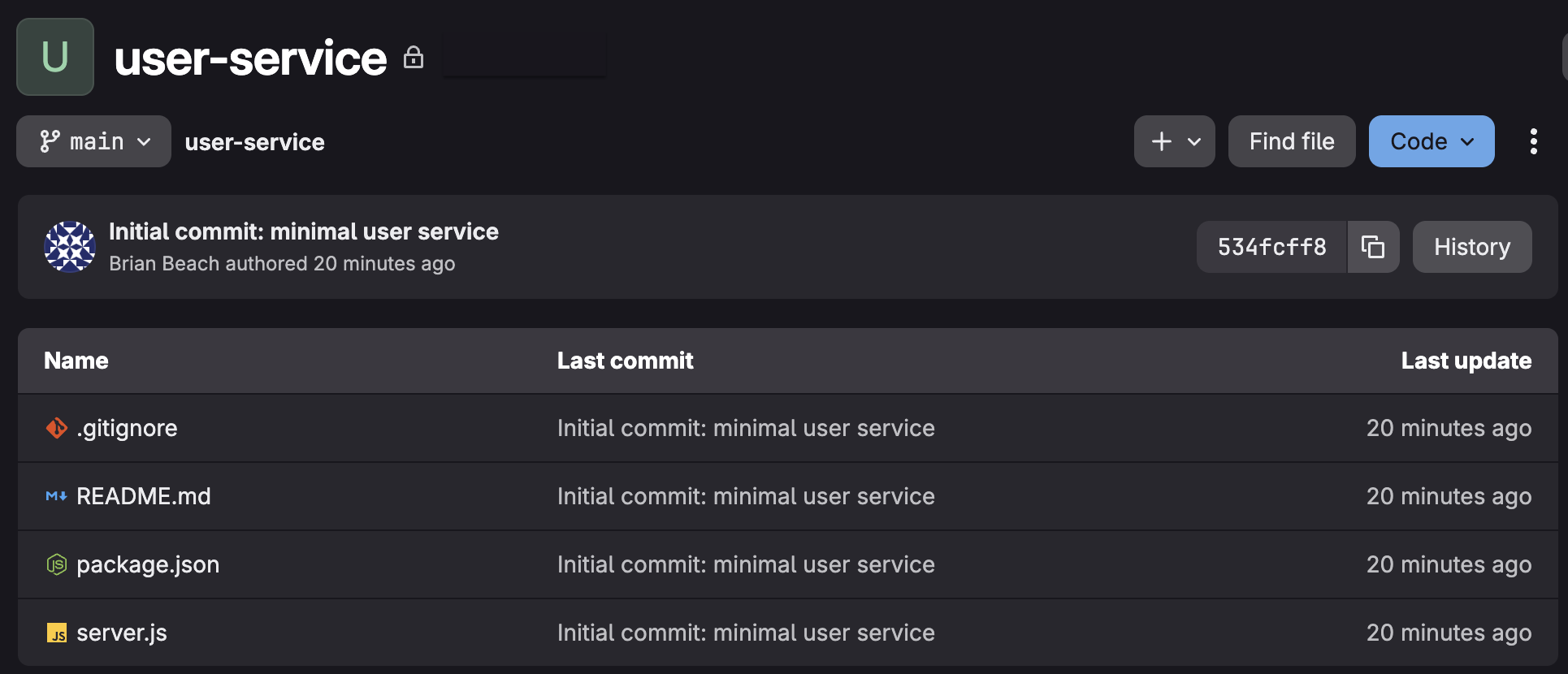
Here's the setup I’ll use. It’s a deliberately trivial stand-in for the real thing. Picture your actual service and SDK in its place: thousands of lines, real business logic, real consumers.
A private service on GitLab:
A public SDK on GitHub wraps that service:
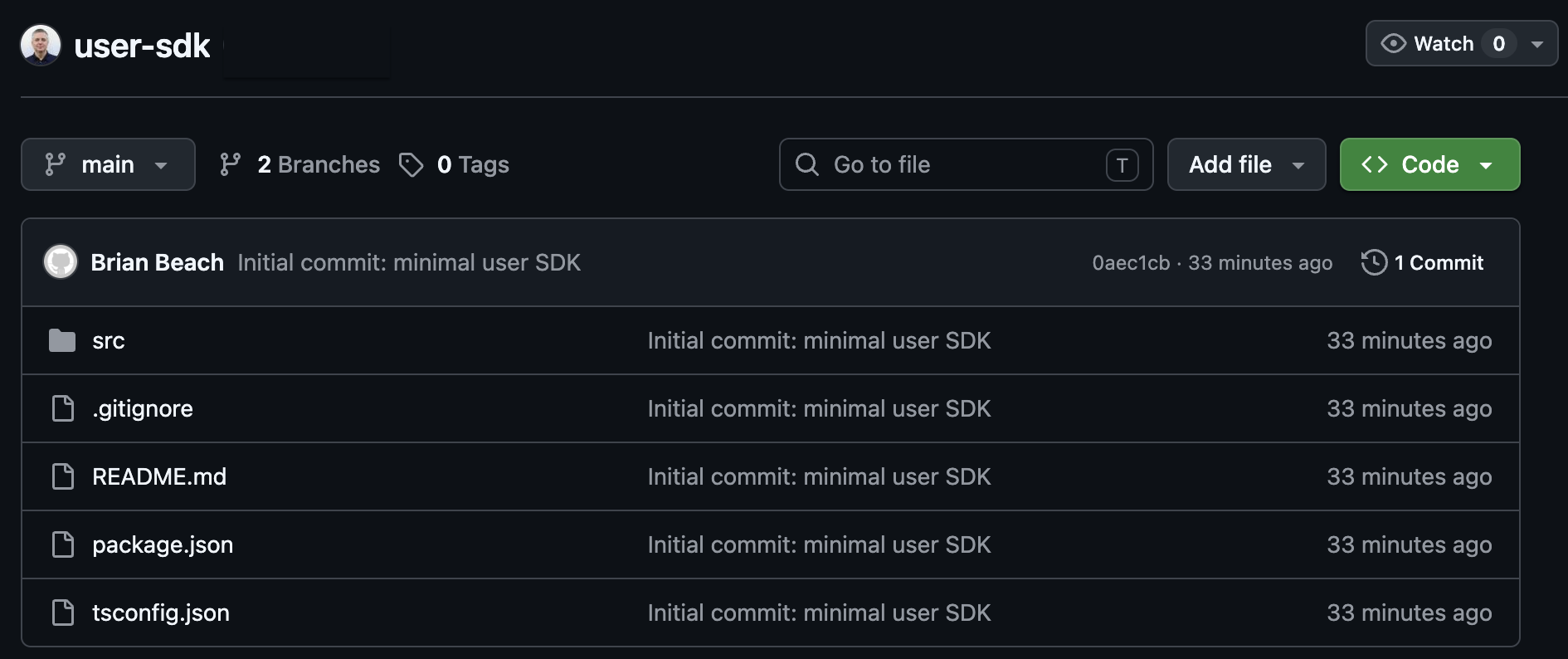
Imagine that I want to add an email field, end to end. The server change belongs on GitLab. The SDK change belongs on GitHub. It's one idea that has to land in two repos, on two providers, without falling out of step.
With both GitLab and GitHub already connected, I start a session and attach both repositories — user-service from GitLab and user-sdk from GitHub. Then I describe the change in plain language:
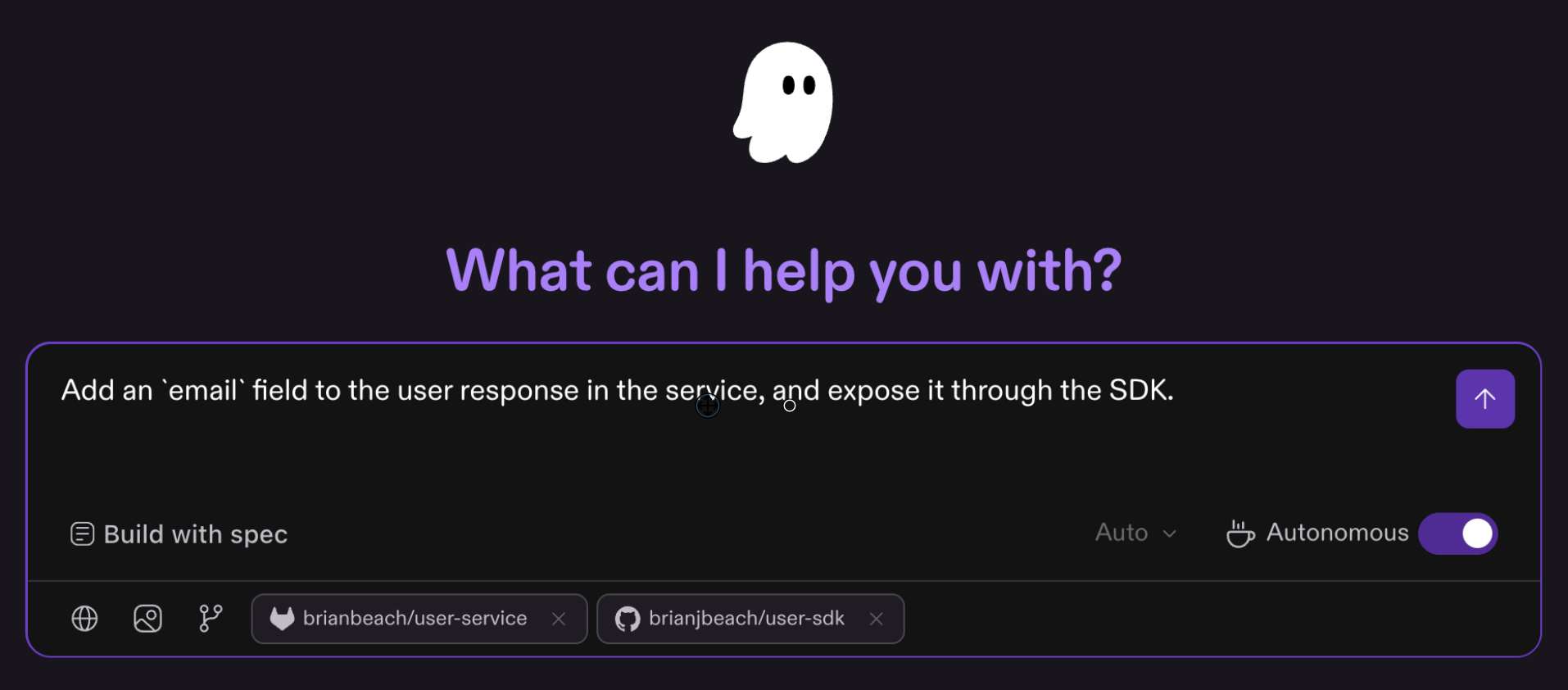
Because both repos are in the session, Kiro reasons about them together rather than treating them as two unrelated tasks.
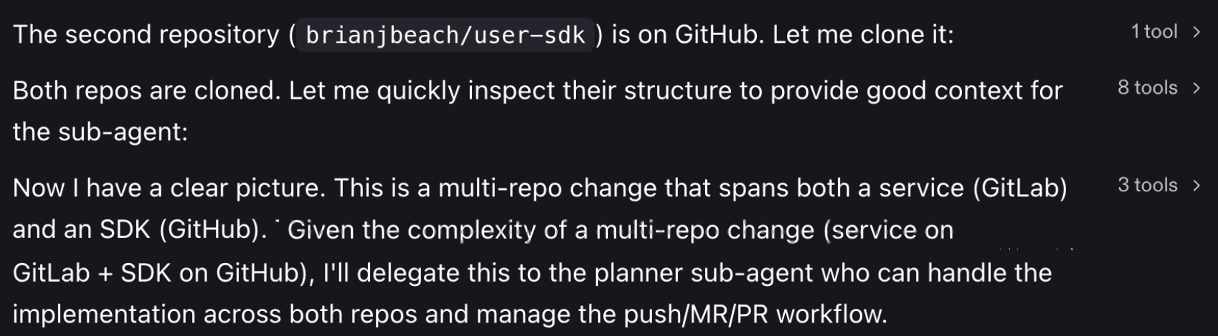
Working in its isolated sandbox, it explores both repositories, figures out what each side needs, and makes the changes — adding email to the records and the response in the service, then updating the User type and the usage example in the SDK. It creates a feature branch in each repo and makes commits with clear messages.
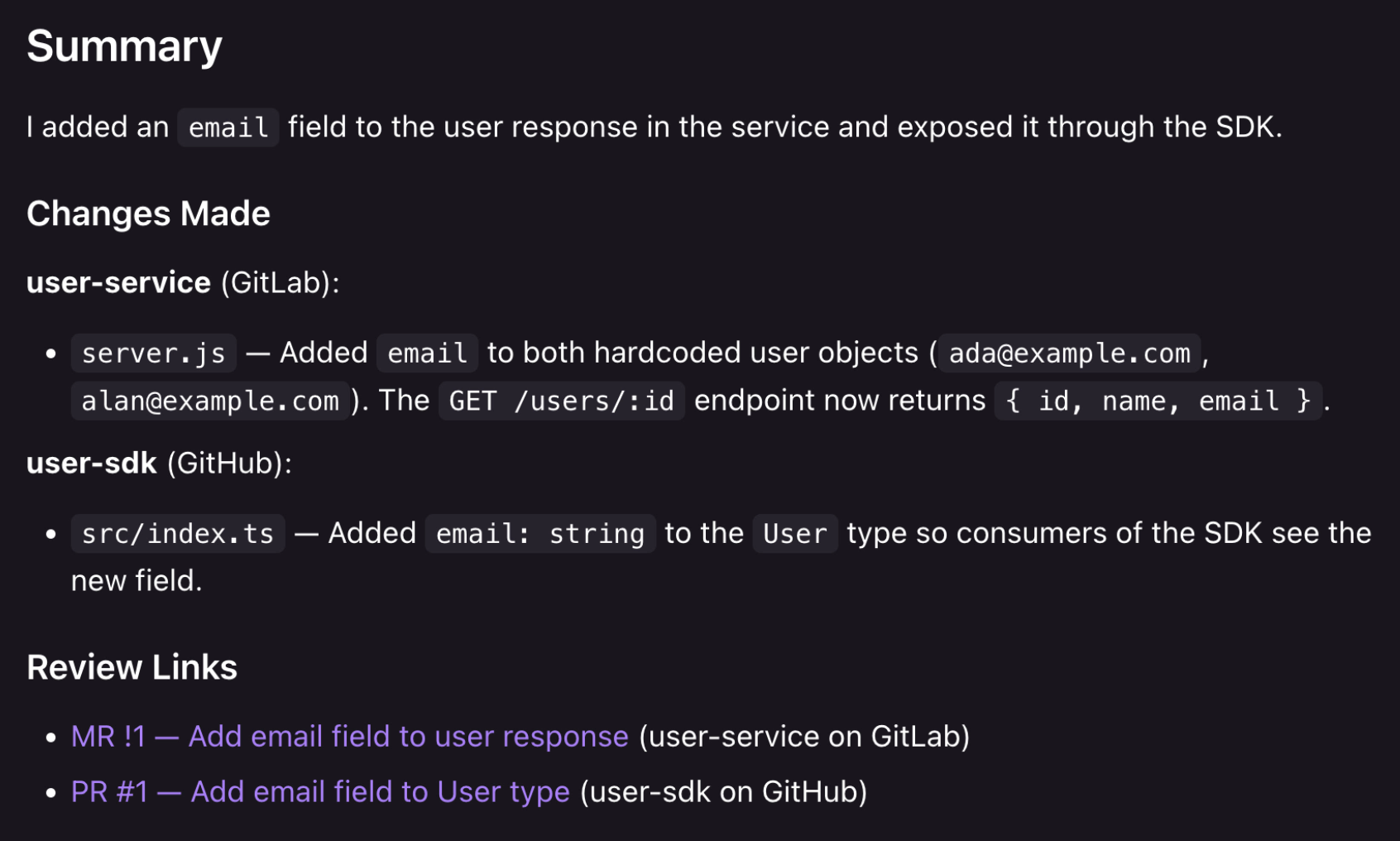
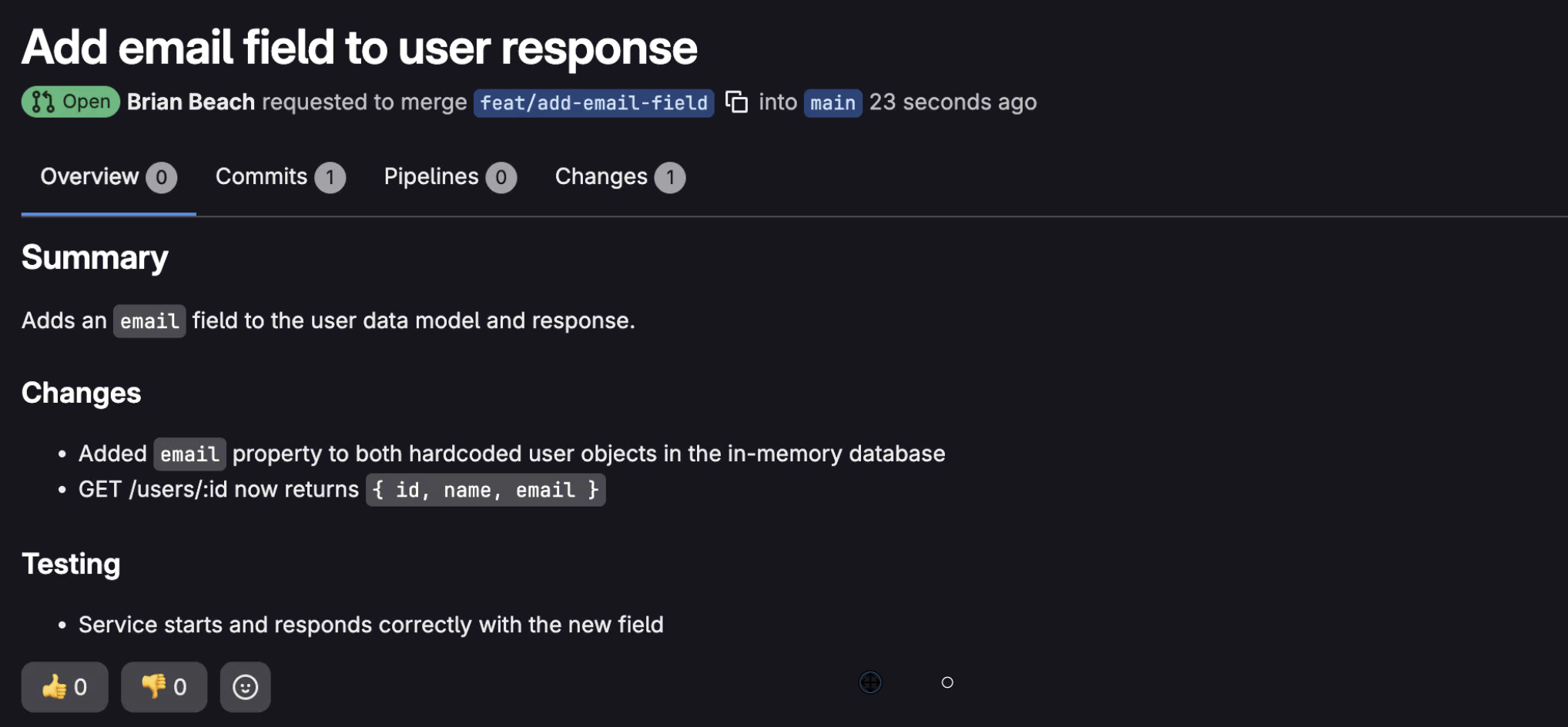
When it's done, there are two changes waiting. A merge request on GitLab for the service.
And, a pull request on GitHub for the SDK.
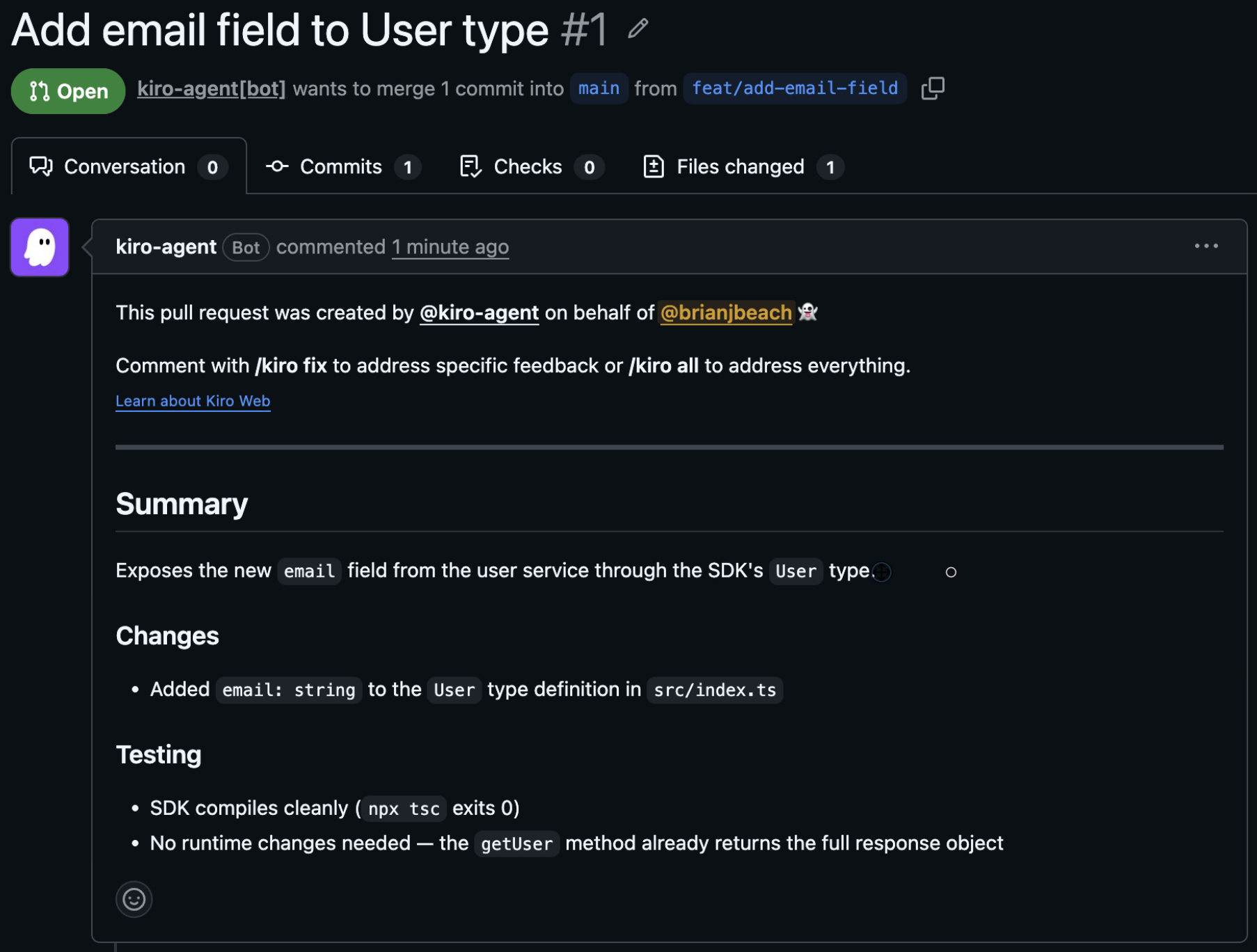
Each one carries a description of what changed and the approach. You review and merge each on its home provider, in exactly the workflow your team already uses. Nothing about your review process changes. You just didn't have to do the cross-repo bookkeeping yourself.
The split across providers is often real and worth keeping: public versus private, one team versus another. What isn't worth keeping is the manual effort of holding a single change together across both. With GitLab and GitHub connected in Kiro Web, one prompt keeps the change consistent end to end and you still get a clean MR and PR to review on the providers you already trust.
Connect GitLab and GitHub in Kiro Web and try a change that spans both. Kiro Web is in preview at app.kiro.dev for Pro, Pro+, and Power subscribers. To go deeper, see the GitLab guide, and follow the Kiro Web changelog to see what ships next.