
Share Kiro with Friends and Family Using Referral Codes

Enterprise users can now generate referral codes in Kiro Web and share them with friends and family. Each code gives 20% off any paid individual plan (Pro, Pro+, Pro Max, or Power) for 12 billing cycles.

Referrals are off by default. Administrators can turn them on for their organization in Controls.
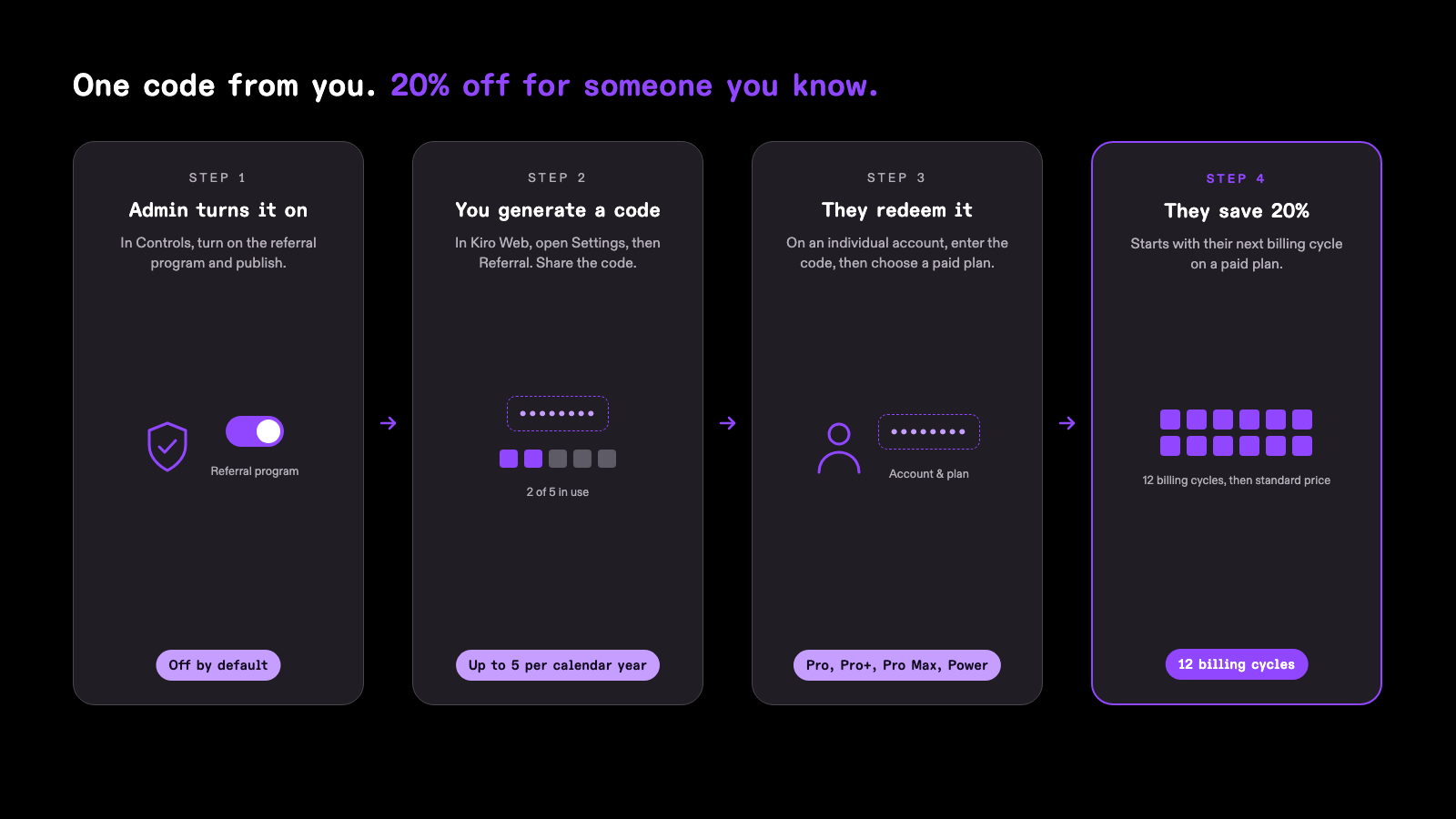
Loading image...Referral flow in four steps. Step 1: an administrator turns on the referral program in Controls; it is off by default. Step 2: you generate a code in Kiro Web under Settings, then Referral, up to 5 per calendar year. Step 3: the person you share it with enters the code on an individual account and chooses Pro, Pro+, Pro Max, or Power. Step 4: they save 20% for 12 billing cycles, starting with their next billing cycle on a paid plan.

Learn more ->