Kiro is an AI-powered development environment that helps you build software from prototype to production. One unified agent harness powers every surface (IDE, CLI, Web, and Mobile) so your configuration, specs, and steering work everywhere.
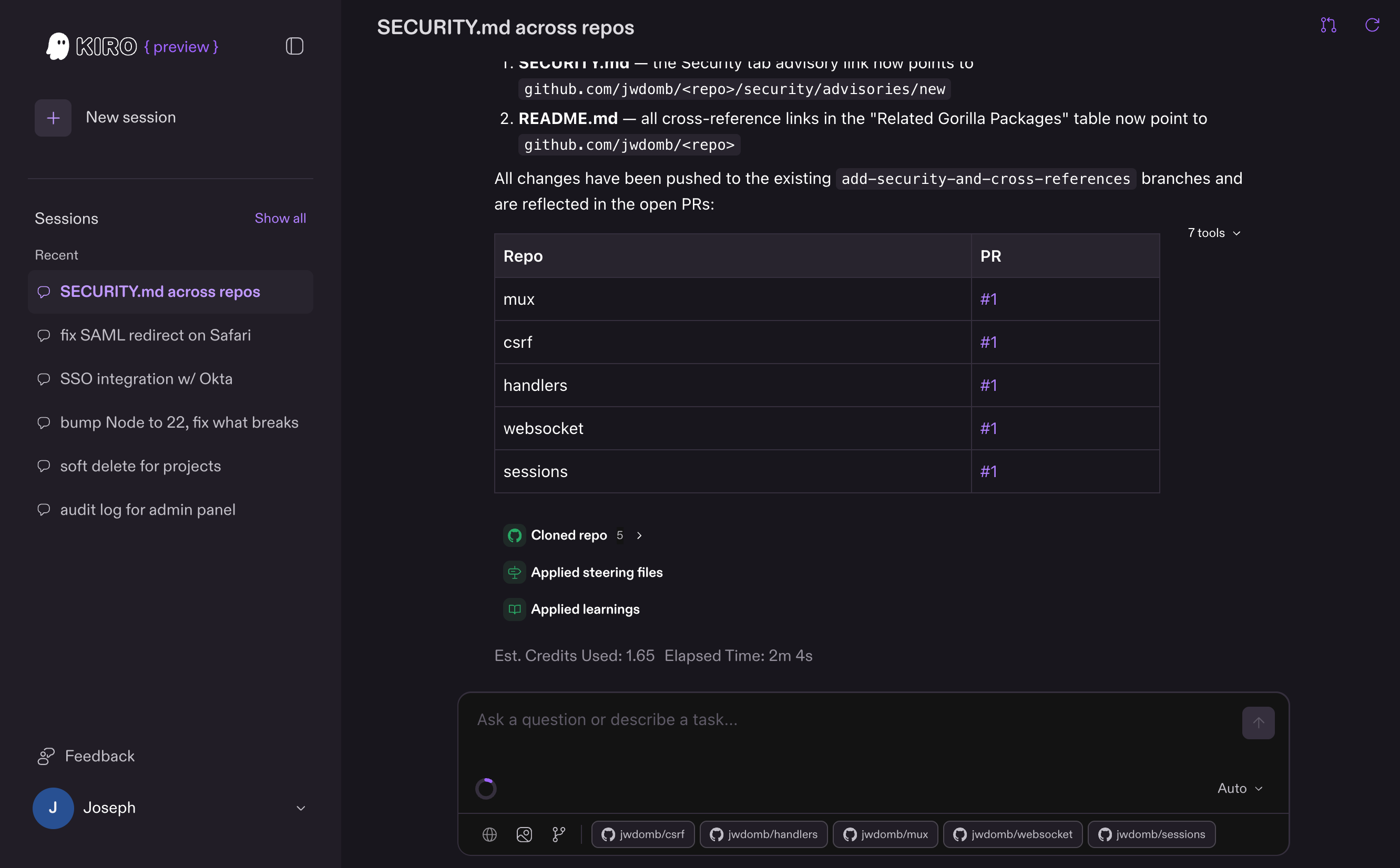
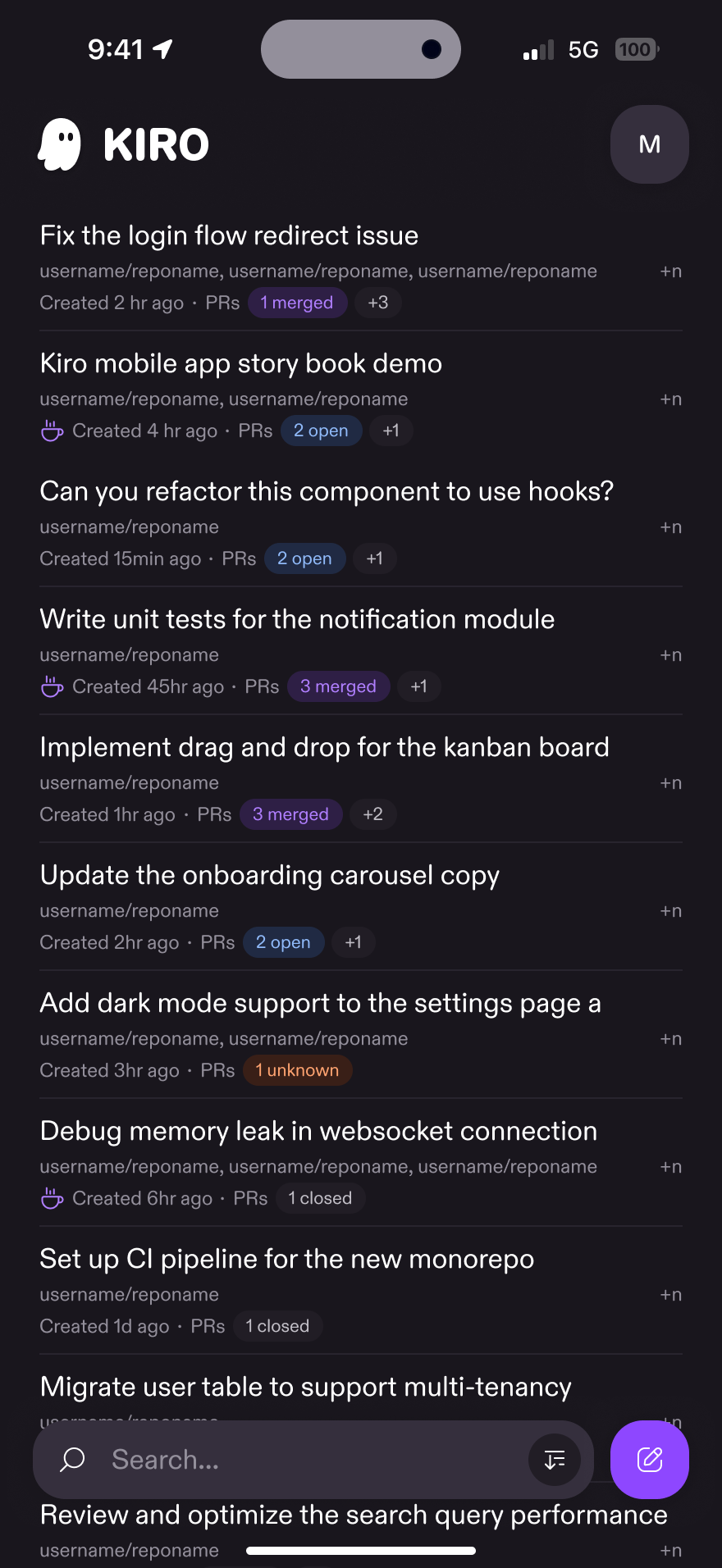
Pick the surface that fits your workflow. Your .kiro/ configuration is shared across all of them.
| I want to... | Use |
|---|---|
| Plan a feature with requirements, design, and tasks | Specs |
| Fix a bug with root cause analysis and regression prevention | Bugfix Specs |
| Chat and build iteratively without a plan | Chat (IDE) or start a session (CLI) |
| Enforce project standards automatically | Steering |
| Automate actions on agent file changes, tool use, or task completion | Hooks |
| Connect external tools and APIs | MCP |
| Use Kiro in another editor or client | ACP integrations |
| Control what the agent can access | Permissions |
| Create specialized agents for specific workflows | Custom agents |
| Extend the agent with reusable instruction packages | Skills |
| Add tools with built-in knowledge that activate on demand | Powers |
| Delegate parallel tasks to focused sub-agents | Sub-agents |
| Undo agent changes or fork a conversation | Checkpoints and rewind |
| Keep secrets and sensitive files away from the agent | Kiroignore |
| Keep long sessions productive within context limits | Compaction |
Every Kiro surface is a front end to the same unified agent harness. Shared project configuration travels with your repository through .kiro/, with surface-specific behavior for permissions and primary-agent selection. Start a spec in the IDE, continue it from the CLI, hand off implementation to the Web agent, and keep the same project context across surfaces.
Each surface adds its own way of working on top: the IDE brings editor integration, the CLI brings terminal-native and headless workflows, and the Web brings zero-setup sandboxed sessions. How Kiro works explains the architecture, the agent loop, and where every capability plugs in.
Kiro Documentation