Add-on credits let you keep working after you've used your plan's monthly credit allocation. They're available on all paid tiers (Pro, Pro+, Pro Max, and Power) at $0.04 per credit, billed immediately when you purchase them.
To purchase add-on credits, navigate to the Kiro portal and select Buy add-on credits. This opens a panel where you enter the number of credits to purchase.
- Minimum purchase: $5 (125 credits)
- Maximum per pack: $100
- Pack limit: Up to 5 add-on credit packs at a time
When you select "Next", you're taken to the Stripe portal to enter payment details and complete the purchase. Once payment succeeds, the purchased credits appear on your account page.
Loading image...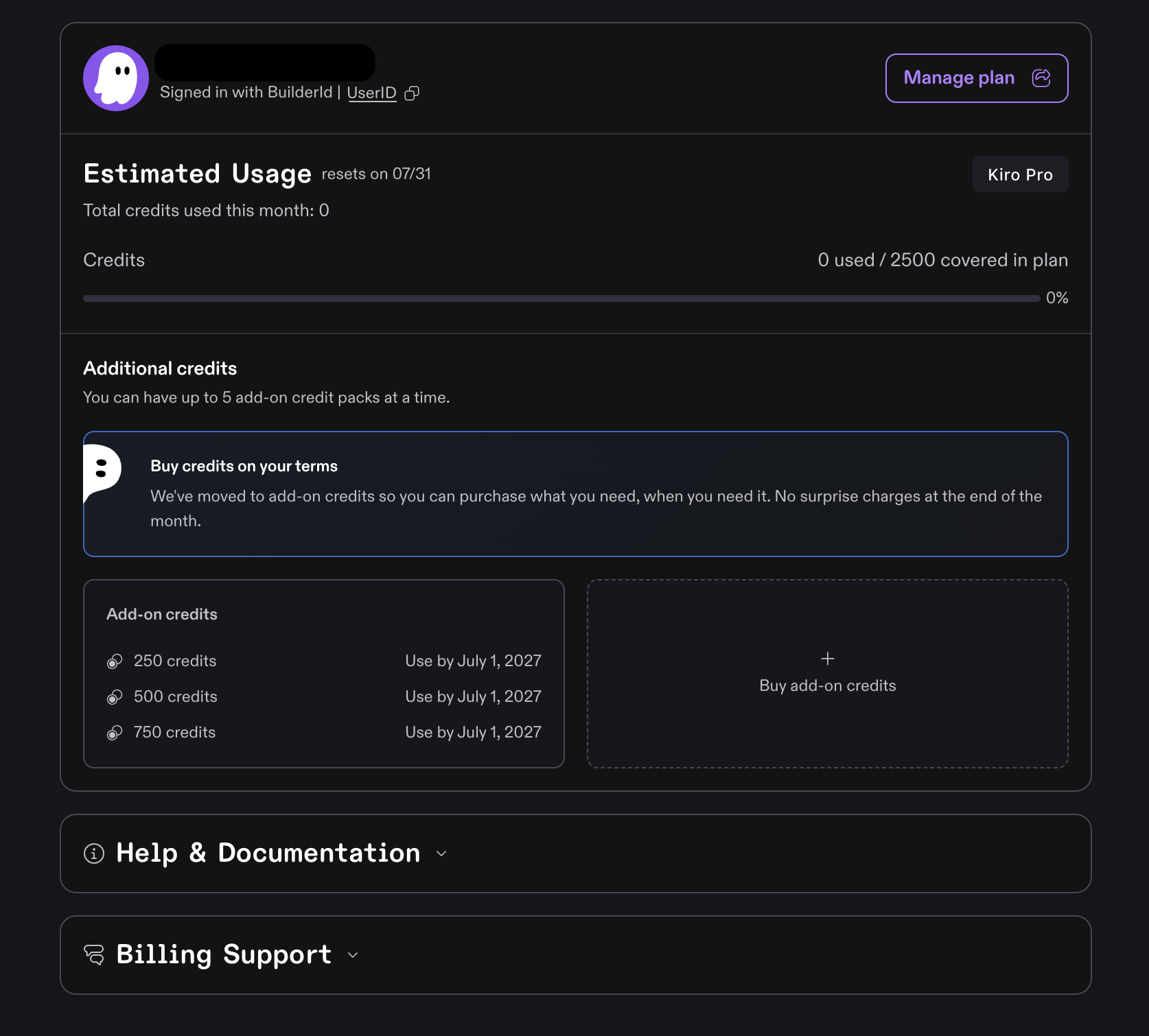
- Display: When you log in to Kiro IDE or Kiro CLI, purchased add-on credits are combined with your plan credits in the usage display. For example, a Pro plan with 125 add-on credits shows 1,125 total available credits.
- Consumption order: Kiro uses your plan credits first. Add-on credits are only consumed after plan credits are exhausted.
- Expiry and rollover: Add-on credits expire 12 months from the date of purchase. Unused credits roll over month to month until they're used or reach their expiry date. The earliest-expiring pack is consumed first.
- When both run out: If you exhaust both plan credits and all add-on credits, Kiro pauses usage until you purchase more add-on credits or your plan resets at the start of the next billing cycle.
- Set up usage notifications to get alerted before your credits run out.
- Compare plans on the billing overview if you're regularly purchasing add-on credits.
- Need help? Contact billing support.
Page updated: August 4, 2026
Usage beyond plan limits